
Classroom guide
Gamified classroom activities that match the task.
A gamified classroom activity combines a learning task with a challenge, time limit or visible progress. Start with what learners should do, then pick the GamifyTL tool that makes that action visible.
Choose the task before the game
Start with what learners should do: recall a fact, explain a sequence, identify a diagram or reflect on their understanding. Then choose a tool that makes that action visible. A leaderboard alone does not tell you why an answer was chosen; leave time for explanation.
Match your objective to a tool
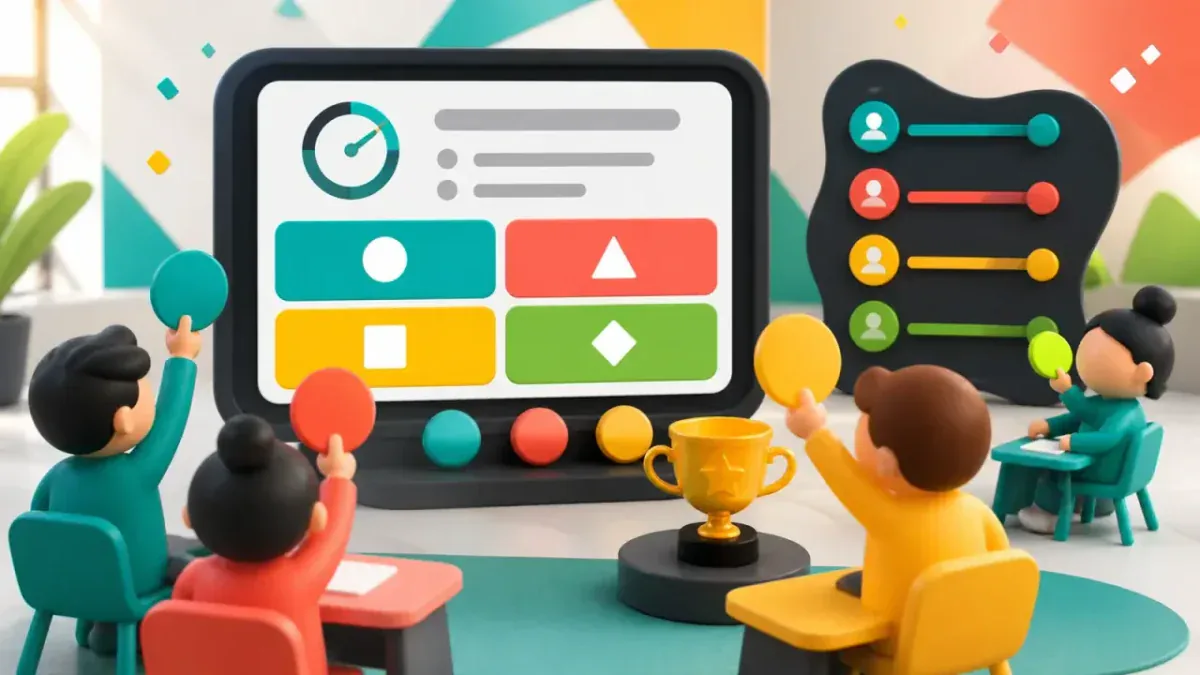 Quiz BattleQuiz Battle is GamifyTL's live multiple-choice quiz tool. A host prepares questions and runs a shared session while participants answer from their own devices, with timed rounds, results and rankings.
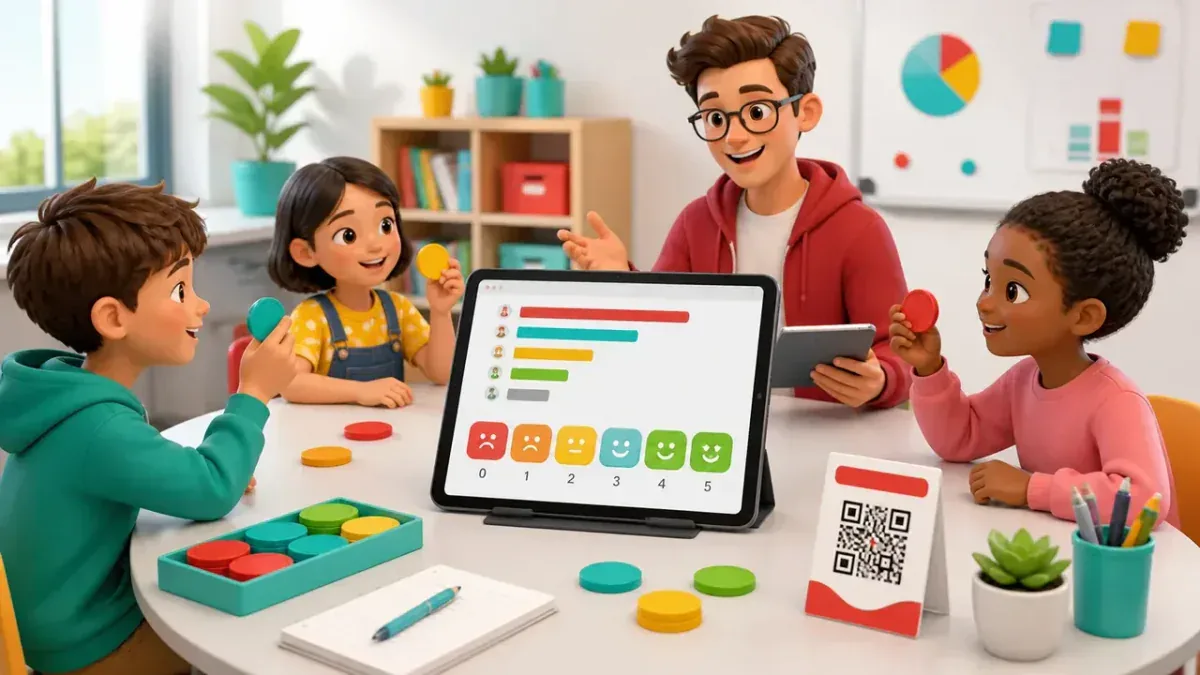 Polls & SurveysGamifyTL Polls & Surveys collects live responses from a class, workshop or audience. Hosts ask for opinions and feedback, and participants respond in their browser so the room can discuss the results together.
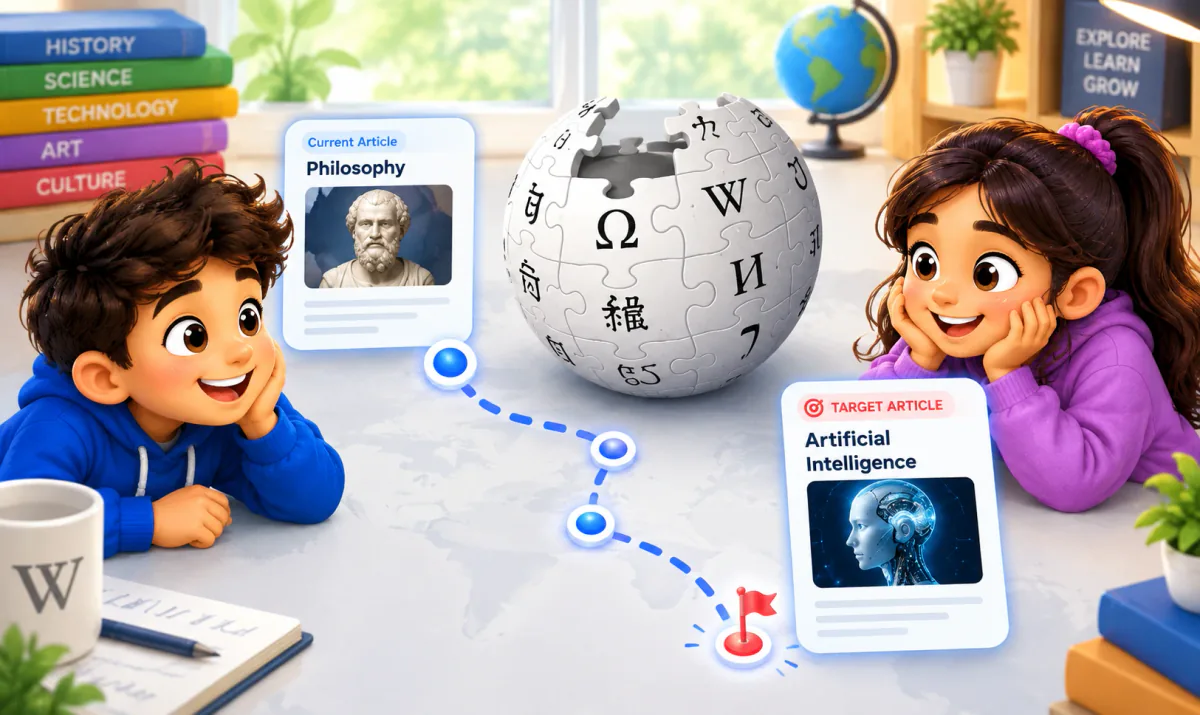 LinkSprintLinkSprint is GamifyTL's encyclopedia navigation race. Players begin at a starting article and try to reach a target article by following internal article links. The challenge turns browsing into a game of reading, connection-making and route selection.
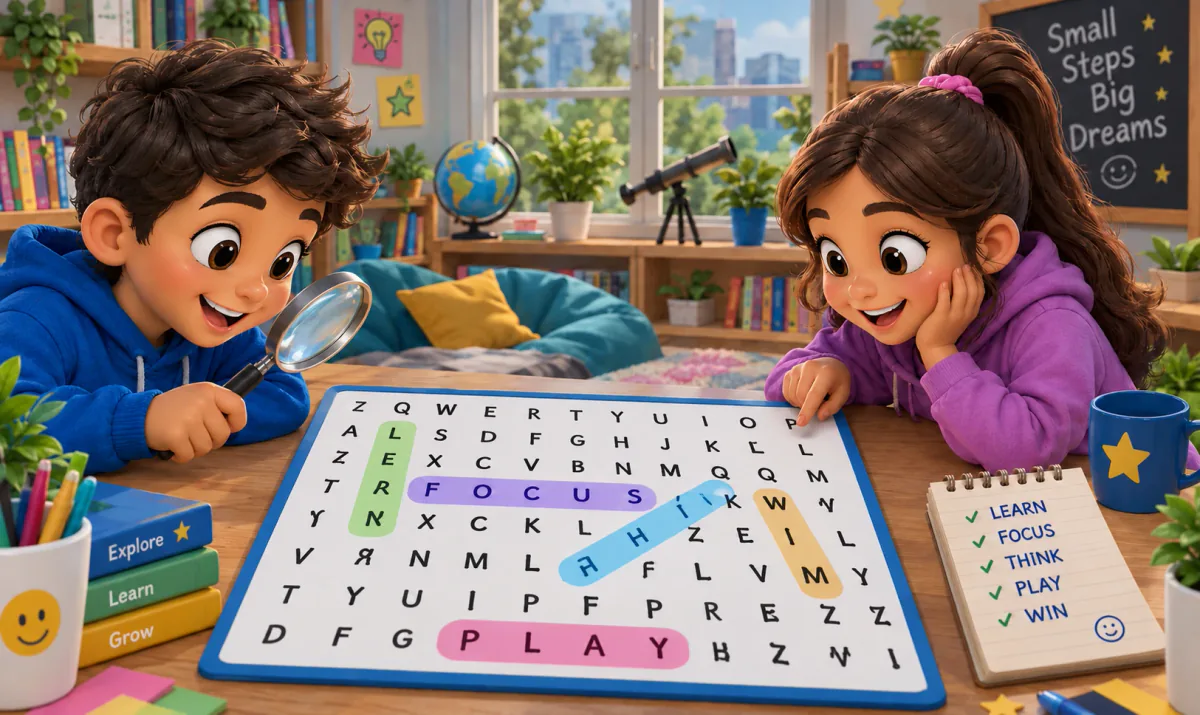 Word SearchGamifyTL Word Search is a clue-based classroom word game. Participants read a question or clue, identify the answer and find that word in a fixed letter grid by selecting a line of letters.
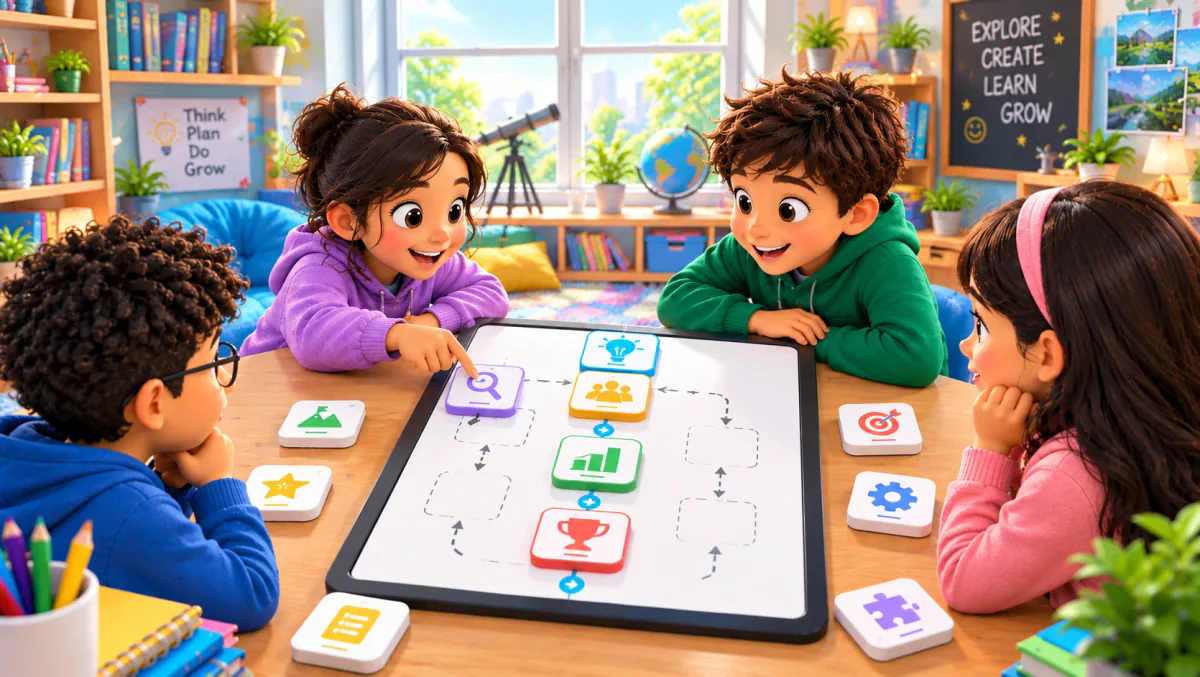 Flow ConnectFlow Connect is GamifyTL's sequence-ordering game. Participants reconstruct a process or timeline by arranging shuffled steps into a fixed vertical flow. It is designed for questions where order matters.
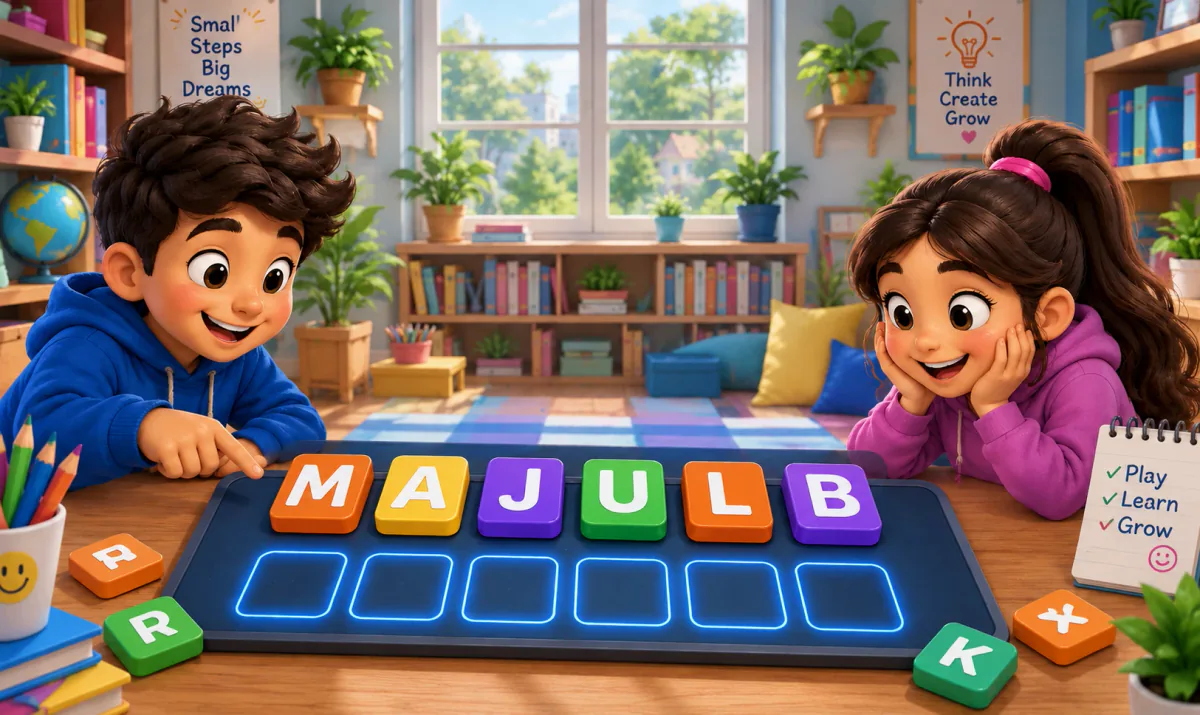 Jumble JamJumble Jam is GamifyTL's live word-construction game. Students read a clue and rearrange scrambled letter tiles to build the correct answer. A host runs the session while participants play in their browsers.
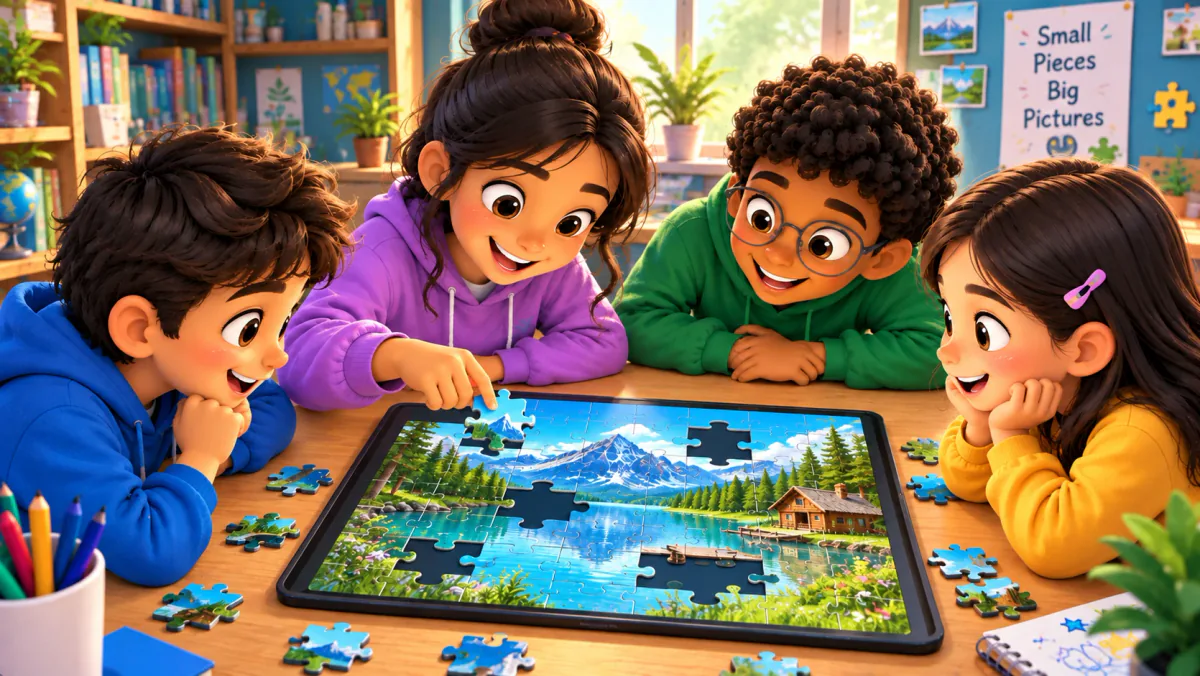 Jigsaw MissionJigsaw Mission combines quiz questions with an image puzzle in GamifyTL. Participants answer questions to unlock pieces and reconstruct the picture, connecting recall with a visual challenge.
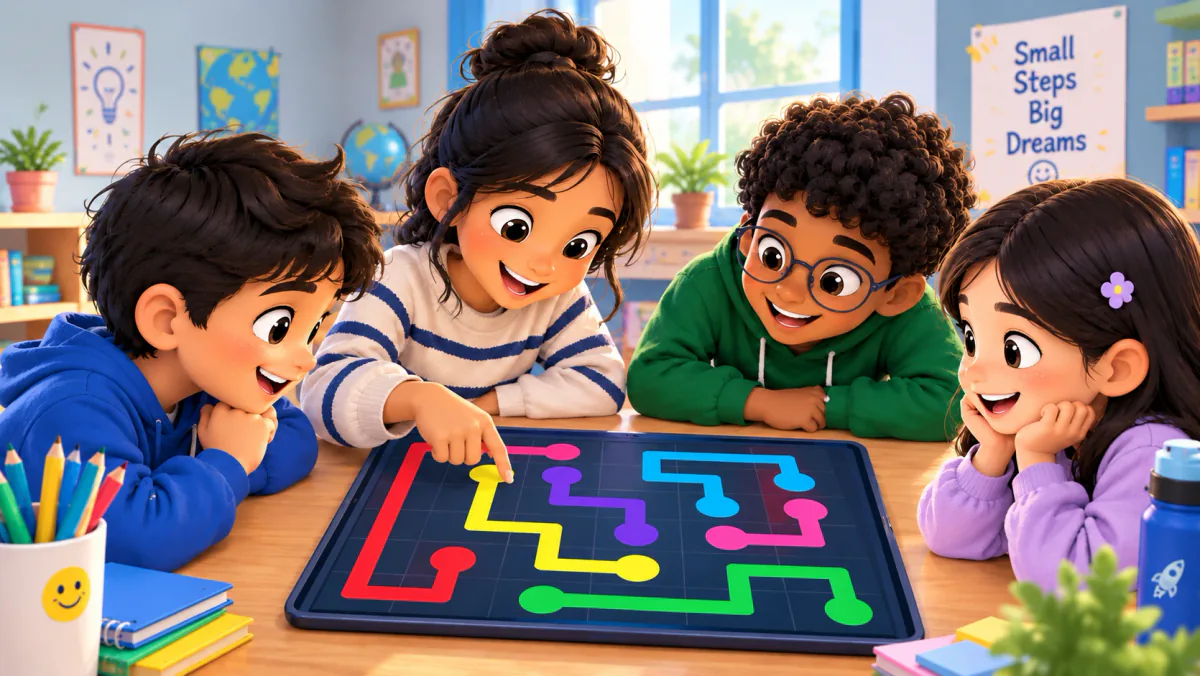 Connect DotsGamifyTL Connect Dots turns question-and-answer matching into a path-drawing game. Participants connect question dots to matching answer dots on a board, combining concept recognition with a visual puzzle.
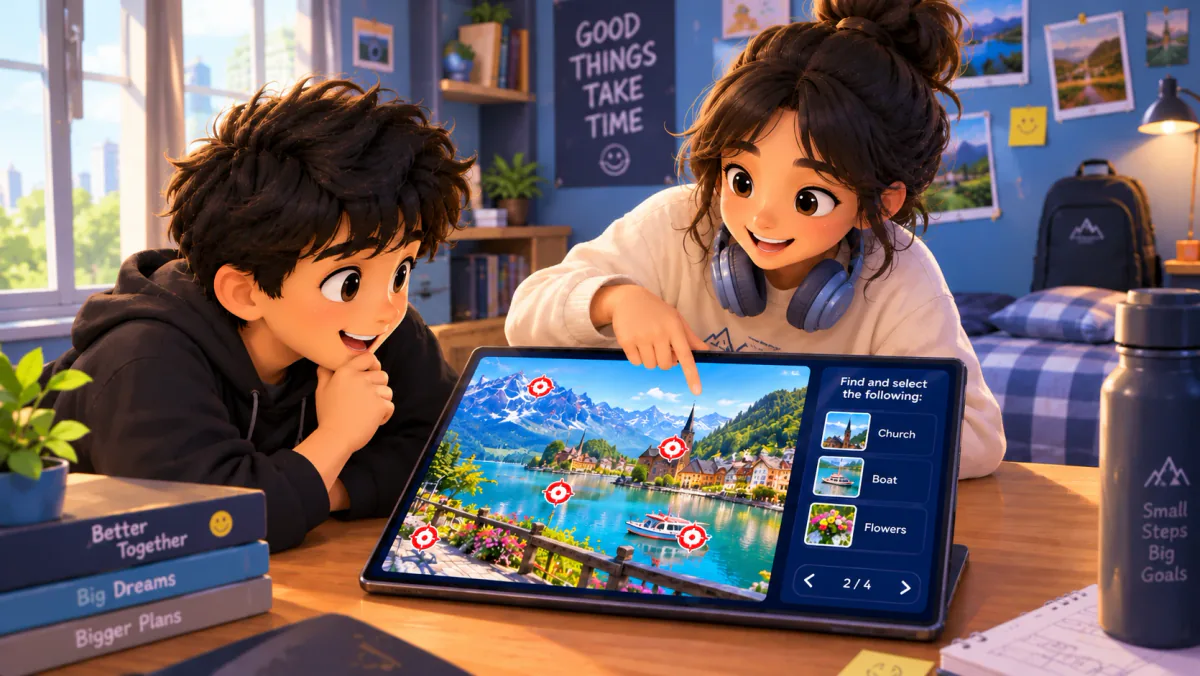 Target HuntTarget Hunt is GamifyTL's image-based identification game. A host prepares an image with target locations, and participants answer prompts by selecting the correct target on that image.
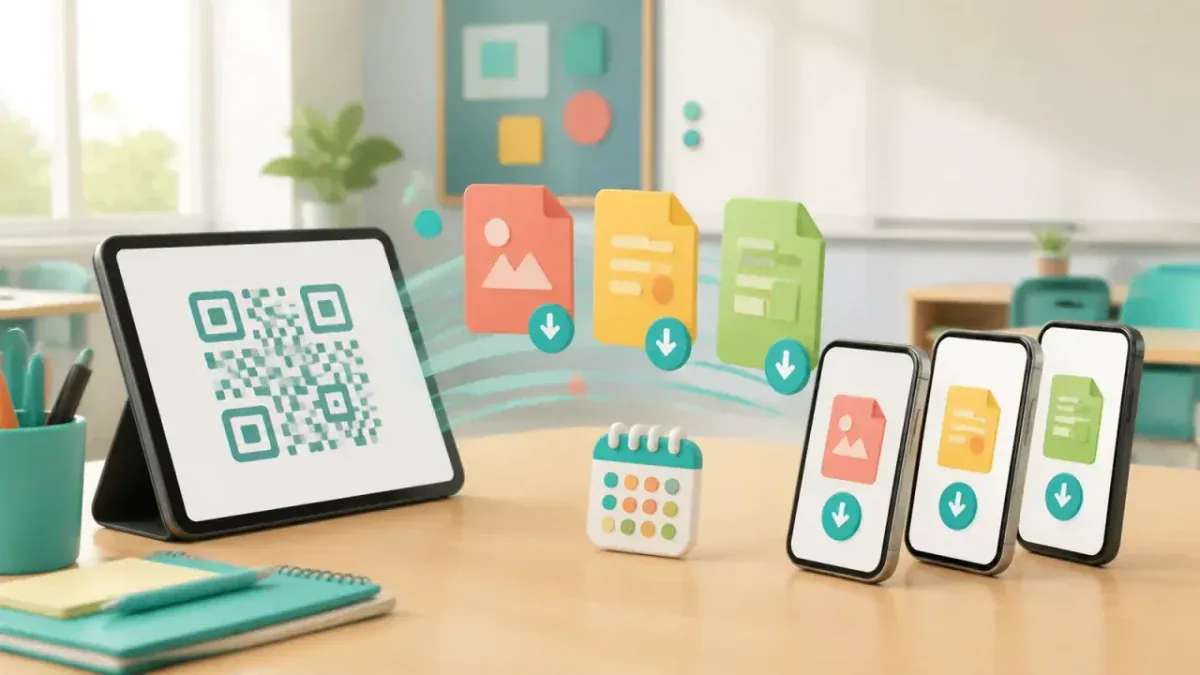 Resource DropResource Drop is GamifyTL's QR-based file-sharing tool for classrooms and workshops. A host uploads learning materials and shares a QR code or link so participants can download the files in their browsers without a student account.
A lesson sequence to adapt
- 1
Open
Begin with a confidence poll to see where the group needs support.
- 2
Check
Teach or demonstrate the concept, then run a short Quiz Battle or Jumble Jam using material from the lesson.
- 3
Explain
Pause to discuss errors. Ask students to explain an answer, not just repeat it.
- 4
Apply
Use Flow Connect for a process or Target Hunt for a visual check.
- 5
Send home
Share the recap and follow-up worksheet with Resource Drop.
Prepare a live class
Review questions and answers before hosting, including any AI-generated content. Check your host plan's participant limits and test the room's Wi-Fi with a small rehearsal. Have the room code visible as an alternative to scanning a QR. Provide a non-timed or verbal alternative when a student cannot use the interaction comfortably.
Students join hosted games in a browser with a room code or QR and a nickname. An internet connection is required. Network conditions, hosting capacity and device performance affect the live experience; do not assume that a subscription alone guarantees a particular class size or learning outcome.
These categories overlap. The useful distinction is the action participants take: choosing answers, constructing words, searching a grid, ordering steps, matching concepts, identifying images or navigating article links, alongside polling and file sharing.
More from About