
GamifyTL for speakers and trainers
Audience engagement tools for speakers, trainers and presenters
GamifyTL lets speakers, trainers and presenters run live polls, quizzes and short games during a talk or workshop. The audience joins from their own phones by scanning a QR code or entering a six-digit room code, responses appear on the presenter screen in real time, and slides or handouts can be shared instantly with Resource Drop. No participant app, account or download is needed.
What you can run with GamifyTL
Every activity below runs live in the browser. Participants join with the room code or QR shown on your screen and answer from their own devices.
 Visual & logic
Target Hunt
Product demos and safety training: tap the right component on a photo, diagram or floor plan.
Interactive activityExplore →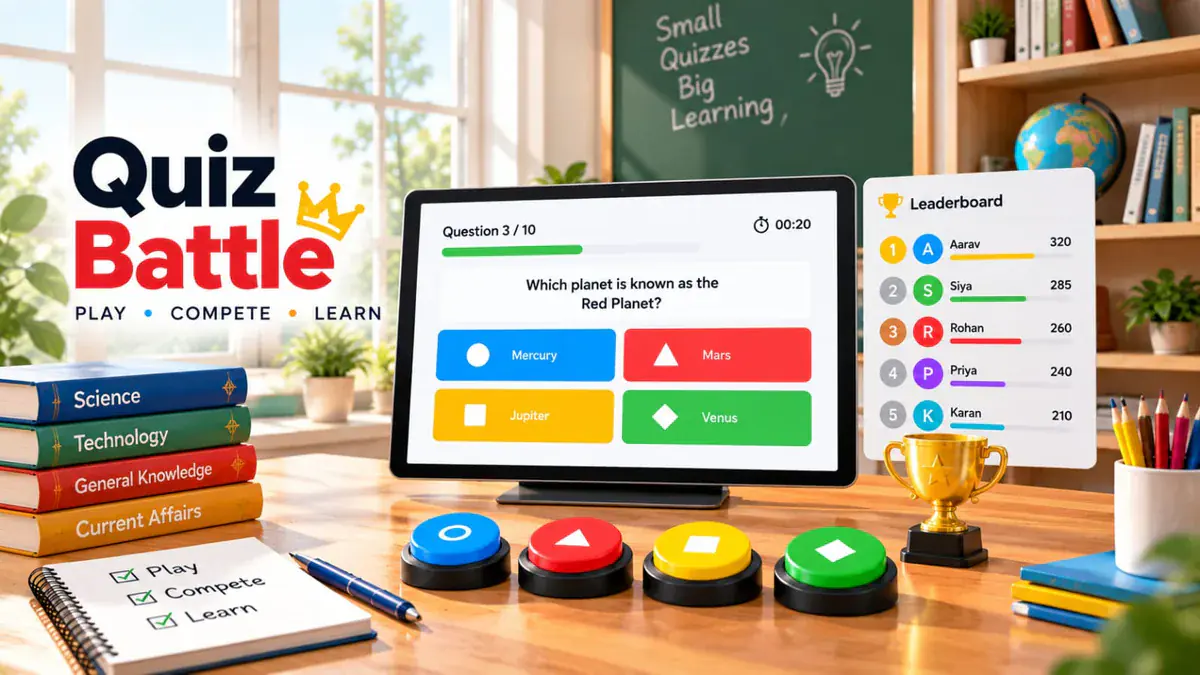 Assessment
Quiz Battle
Turn the key takeaways of a keynote or training module into a timed quiz with a live leaderboard on the big screen.
Interactive activityExplore →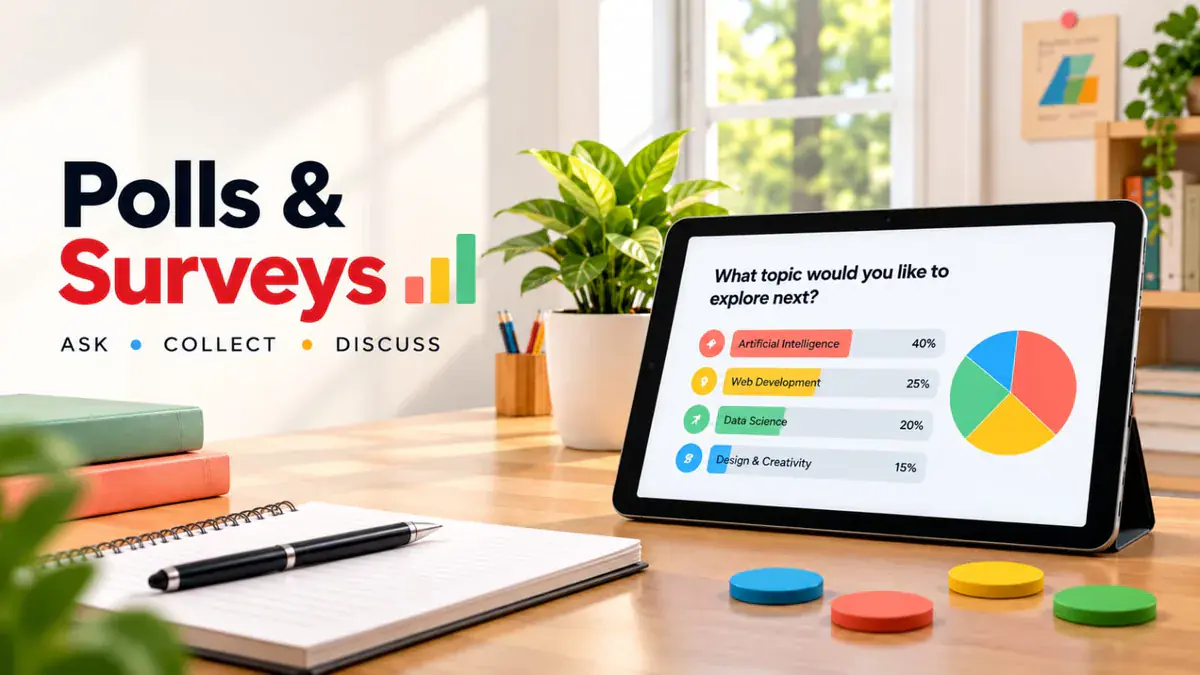 Assessment
Polls & Surveys
Open with an icebreaker vote, take a live pulse mid-session and close with a rating or feedback survey.
Interactive activityExplore → Visual & logic
Jigsaw Mission
Team reveal: correct answers unlock pieces of a picture that ties back to your closing message.
Interactive activityExplore → Word games
Word Search
Low-pressure warm-up: participants find the session's key terms on a shared letter grid.
Interactive activityExplore →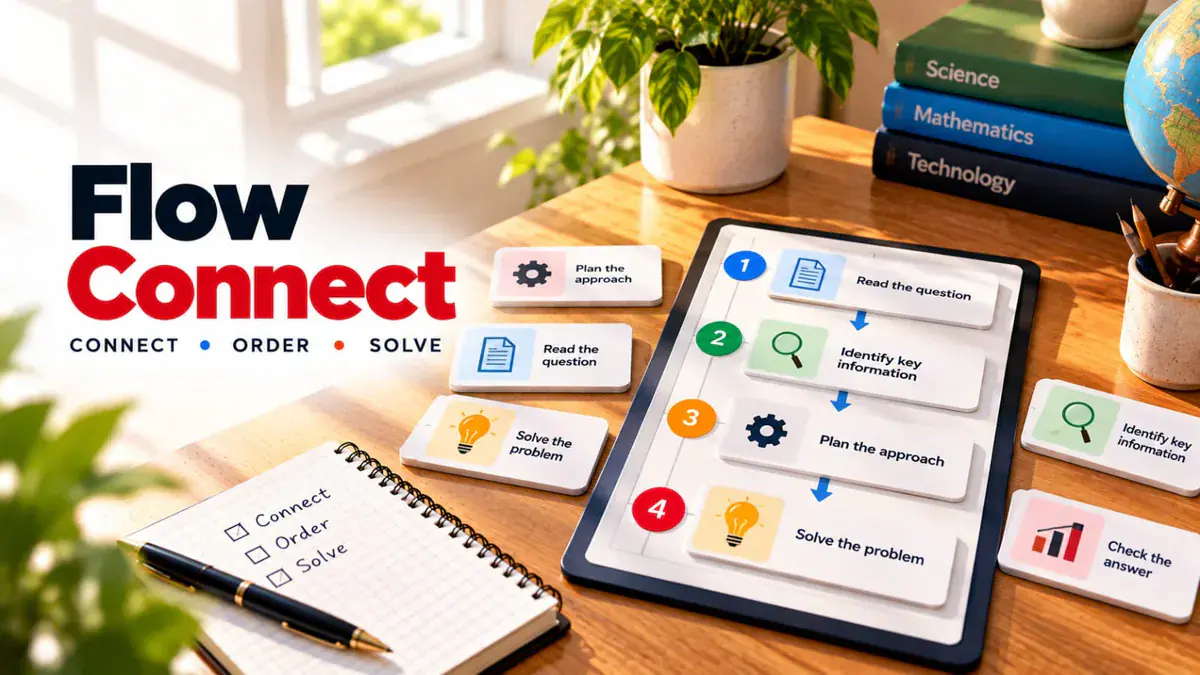 Visual & logic
Flow Connect
Workshop exercise: teams put the steps of a process, pipeline or procedure in the right order.
Interactive activityExplore →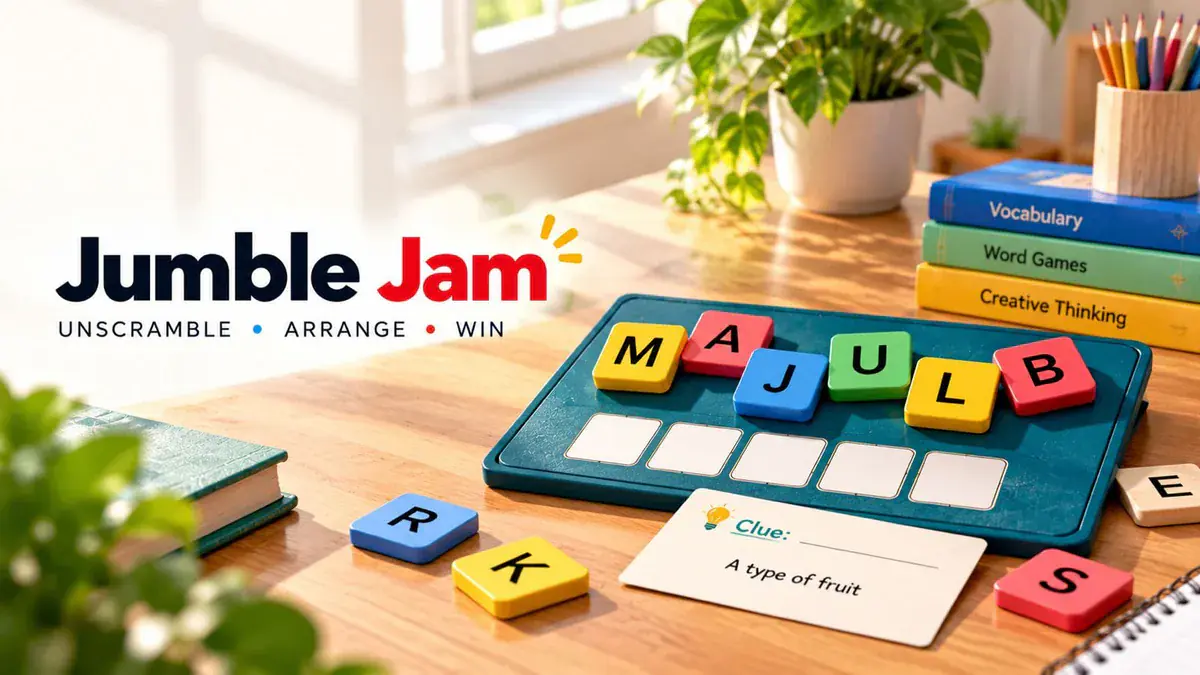 Word games
Jumble Jam
Energiser between sessions: unscramble the terminology you just introduced, fastest correct answer wins.
Interactive activityExplore →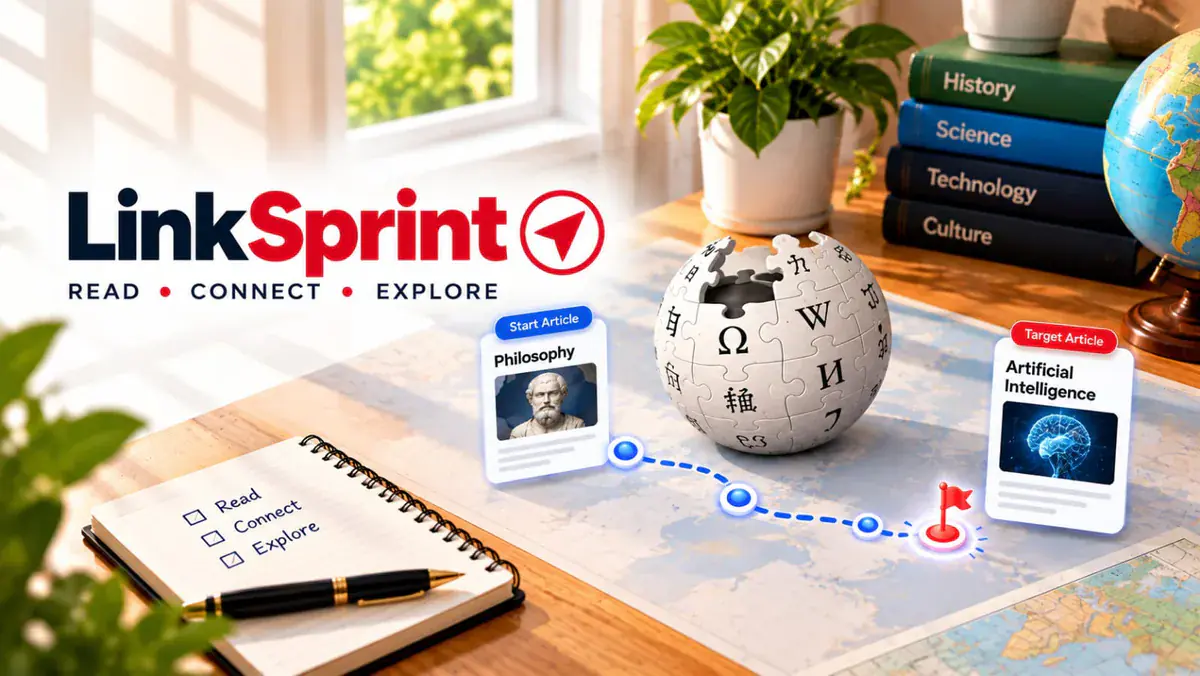 Word games
LinkSprint
Conference icebreaker: race from one encyclopedia article to another using only in-page links.
Interactive activityExplore → Resources
Resource Drop
Show one QR code and let the whole room download your deck, worksheets or reading list in seconds.
Interactive activityExplore →
Built for the way you work
Join in seconds, no app
Attendees scan a QR code or type a six-digit code in any browser and enter a nickname. Conference Wi-Fi and personal data plans both work.
Built for the big screen
The presenter view shows the join code, live responses and leaderboard in a layout designed for projectors and LED walls.
You control the pace
Advance questions manually, reveal results when you are ready to comment and pause the room during discussion.
Large rooms on paid plans
The free plan is enough to rehearse and run small workshops. Paid plans raise room capacity for auditoriums and multi-day training programmes.
Handouts without email lists
Resource Drop distributes files by QR with a retention period you choose, so nobody has to collect business cards or email addresses to get the deck.
Questions drafted with AI
Generate a quiz or poll draft from your talk's topic, then edit every question so it matches what you actually said.
A 60-minute talk or workshop with GamifyTL
Plan two or three interactive moments rather than a game every five minutes. Each one should give you information you can react to on stage.
Before you start
Opening (2 minutes)
Midpoint (5 minutes)
Workshop block (10 minutes)
Close (2 minutes)
- 1
Before you start
Put the join QR and room code on your first slide so people connect while they settle in.
- 2
Opening (2 minutes)
Ask one poll question about the audience's experience or opinion and react to the live result. The room now knows the phone is part of the session.
- 3
Midpoint (5 minutes)
Run a five-question Quiz Battle on the material so far. The leaderboard creates energy; the answer distribution shows you what to revisit.
- 4
Workshop block (10 minutes)
Use Flow Connect so small groups apply the framework you introduced, then discuss the fastest correct answers.
- 5
Close (2 minutes)
Show the Resource Drop QR for your slides and collect a short rating or feedback survey while the room is still with you.
A room that listens is not the same as a room that participates
Twenty minutes into a talk, attention drifts to phones. Instead of fighting the phone, give it a job: a poll that shows the room what it thinks, a quick quiz that turns your key points into a challenge, or a QR code that puts your slides in everyone's hands before the applause.
Questions from speakers, trainers and presenters
- Does the audience need to download an app?
No. Participants join from any phone, tablet or laptop browser by scanning the QR code on your slide or entering the six-digit room code at gamifytl.com/join. They choose a nickname and start immediately.
- How many people can take part in a keynote or training session?
Room capacity depends on your plan. The free plan covers rehearsals and small workshops; paid plans are designed for large audiences. Check the current limits on the pricing page and rehearse on the venue network before a large event.
- Can I run live polls and a quiz in the same session?
Yes. Each activity runs as its own room, so you can open with a poll, switch to a Quiz Battle mid-talk and finish with a feedback survey and a Resource Drop for your slides, all from one presenter account.
- Can GamifyTL replace Slido or Mentimeter for audience polling?
GamifyTL covers live polls, ratings, multiple-choice questions, open text responses and surveys, and adds quiz and game formats plus QR file sharing. Compare the workflow you need, including moderation and slide integrations, before choosing a platform for a large event.
- Can attendees get my slides without giving their email?
Yes. Resource Drop shows one QR code; attendees download your PDF or presentation directly to their device. You decide how long the files stay available.
- Do I need internet at the venue?
Yes. Both the presenter screen and participant phones need an internet connection. Personal mobile data works for participants when venue Wi-Fi is congested; keep the room code visible for people who cannot scan the QR.
- Is GamifyTL suitable for corporate training and onboarding?
Yes. Trainers use Quiz Battle for knowledge checks, Flow Connect for procedures and SOPs, Polls for confidence checks and Resource Drop for course materials, with no participant accounts to manage.