
Jumble Jam
Unscramble letter tiles to build lesson vocabulary against the clock.
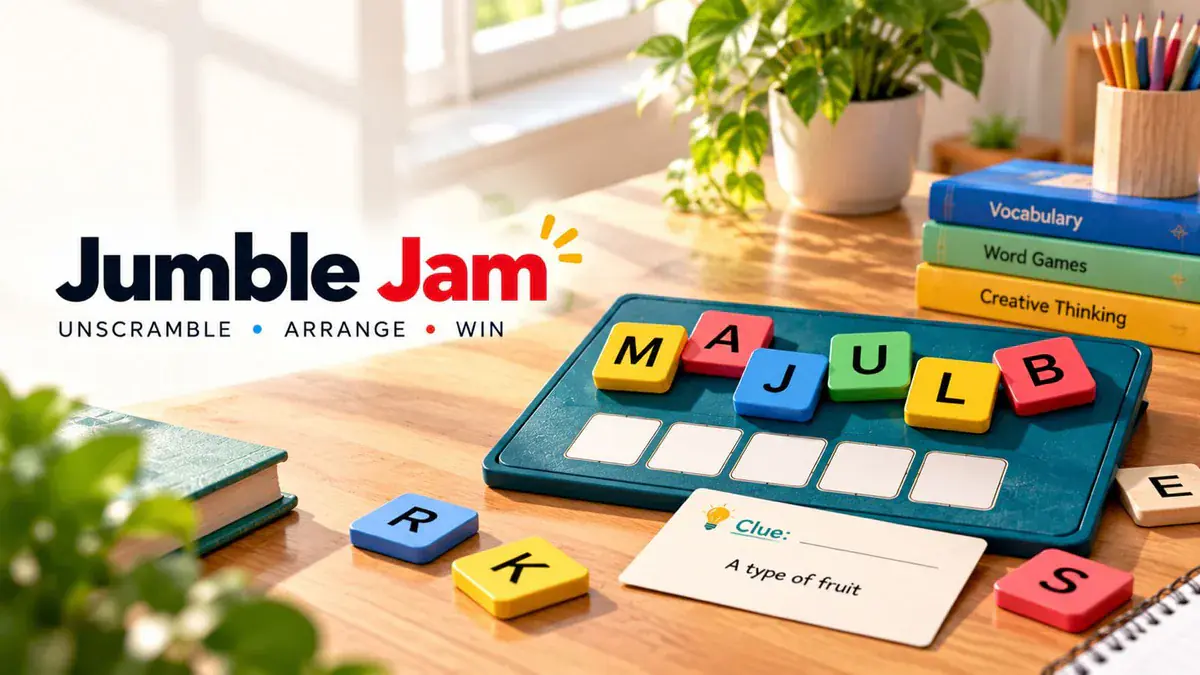
Activity Manuals & Instructions
Clear, step-by-step guides for educators creating sessions and participants joining them.
Author Manual
Host fast-paced word unscrambles where students rearrange letter tiles to spell lesson vocabulary.
- 1Prepare Word Clues: Add lesson vocabulary terms with descriptive clue hints (or generate them with AI).
- 2Set Round Timers: Tune timer duration per word to keep classroom competition exciting and brisk.
- 3Launch Room: Project the room code and display the live participant roster on your screen.
- 4Host Live Scramble: Advance through word rounds, watch solve speeds, and review vocabulary definitions.
Participant/User Manual
Read the clue hint, drag scrambled letter tiles into the correct slots, and spell the term fast.
- 1Join Lobby: Scan the room QR code with your camera and enter your nickname.
- 2Read Word Clue: Use the prompt on your screen to identify the mystery lesson vocabulary term.
- 3Arrange Letter Tiles: Tap or drag scrambled letter tiles into the empty letter slots to spell the word.
- 4Score Speed Bonuses: Submit correct spellings quickly to earn streak points and climb the rankings.
Frequently Asked Questions
Common questions about running Jumble Jam in classrooms and workshops.
- What is GamifyTL Jumble Jam?
Jumble Jam is a live classroom word-unscramble activity in GamifyTL. Participants solve clues and move scrambled letters into the correct order to construct an answer.
- Can teachers use Jumble Jam for subject vocabulary?
Yes. Use lesson-specific words with clues that test their meaning. Review the spelling, clue clarity and answer length before inviting the class.
- Do I need to download Jumble Jam?
No. Participants use a browser and join the hosted GamifyTL session with its room code or QR. The host needs an account to create and manage the activity.