
GamifyTL / Visual & logic
Connect Dots
GamifyTL Connect Dots turns question-and-answer matching into a path-drawing game. Participants connect question dots to matching answer dots on a board, combining concept recognition with a visual puzzle.
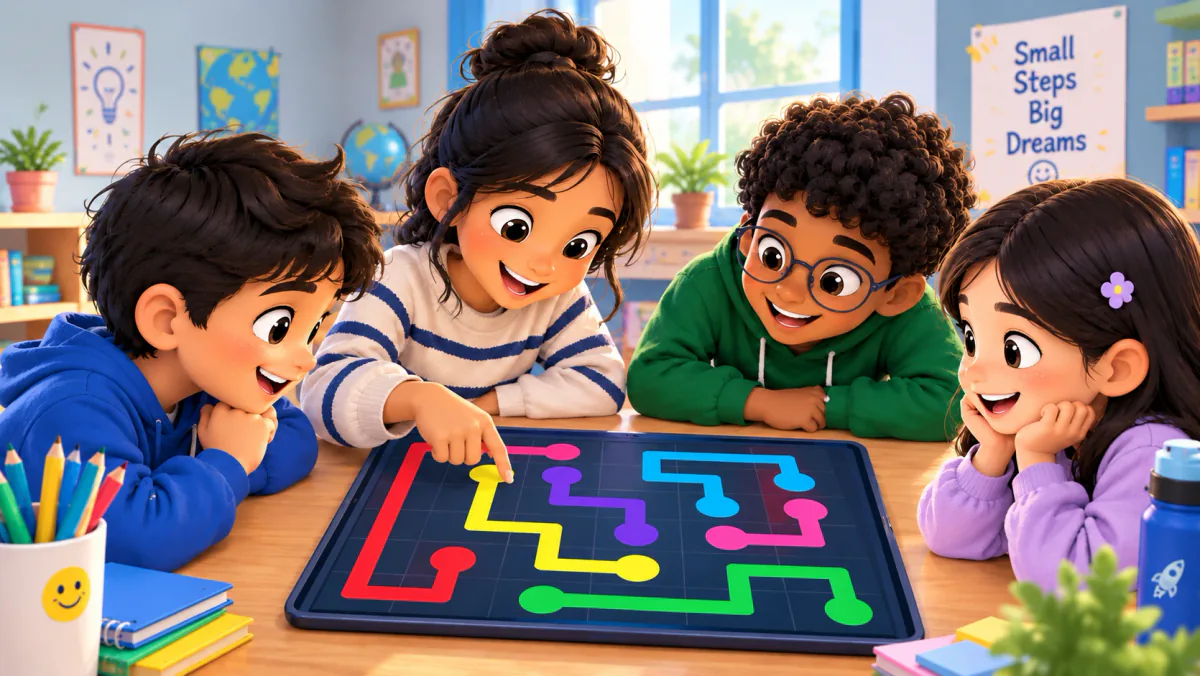
When to use Connect Dots
Choose Connect Dots for terms and definitions, formulas and meanings, or other clear question-answer pairs. Keep each pairing distinct so learners are reasoning about the content rather than guessing between equally valid answers. The board adds a spatial challenge; after the game, ask students to explain the connections without relying on their positions or colors.
How Connect Dots works
- Create a Connect Dots session and prepare the question-answer pairs for your topic.
- Review the pairs and board settings, then share the session code or QR.
- Start the activity. Participants draw matching connections on their boards and submit their progress for validation.
Classroom example
Matching a term to its meaning
Prepare pairs such as evaporation and 'liquid changing to gas'. Ask students to draw each connection, then explain how evaporation differs from boiling. Choose short labels that stay readable on the board.
Questions about Connect Dots
- Is this a numbered dot-to-dot drawing worksheet?
- No. The live classroom tool matches question dots to answer dots by drawing connections on a grid. It is a concept-matching activity rather than a numbered tracing sheet.
- How does Connect Dots differ from Flow Connect?
- Connect Dots matches pairs. Flow Connect arranges steps into a sequence. Choose matching for relationships and sequencing for processes or timelines.
- Can I preview a Connect Dots puzzle?
- Yes. Create a Connect Dots session from the author tools with your question-answer pairs, then review the board before sharing the room with participants.
Hosting limits and available allowances depend on your plan. View pricing. For session planning, see the gamified classroom guide.
Related tools
Visual & logic
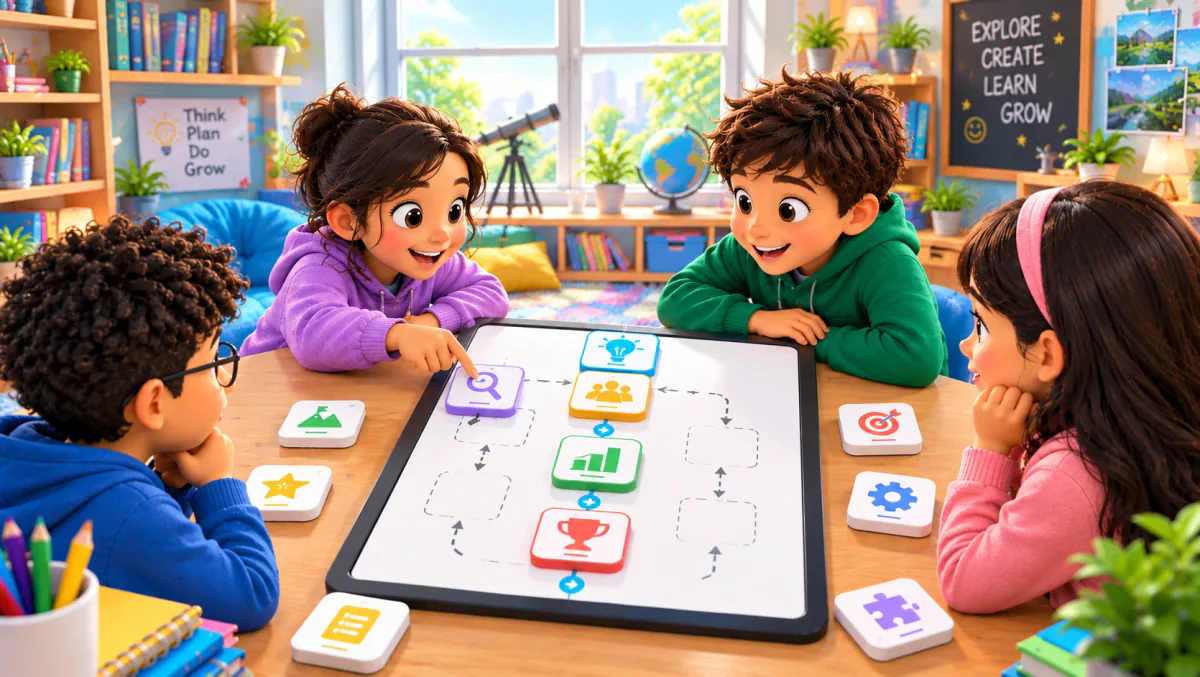
Flow Connect
Flow Connect is GamifyTL's sequence-ordering game. Participants reconstruct a process or timeline by arranging shuffled steps into a fixed vertical flow. It is designed for questions where order matters.
Visual & logic
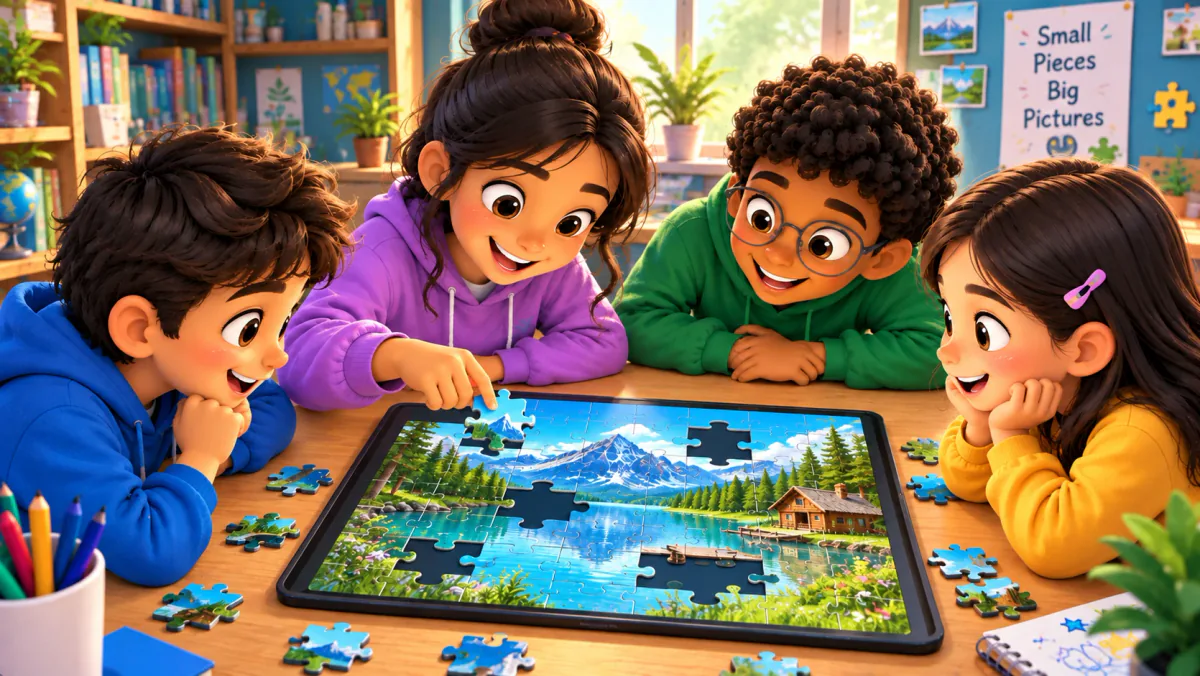
Jigsaw Mission
Jigsaw Mission combines quiz questions with an image puzzle in GamifyTL. Participants answer questions to unlock pieces and reconstruct the picture, connecting recall with a visual challenge.
Visual & logic
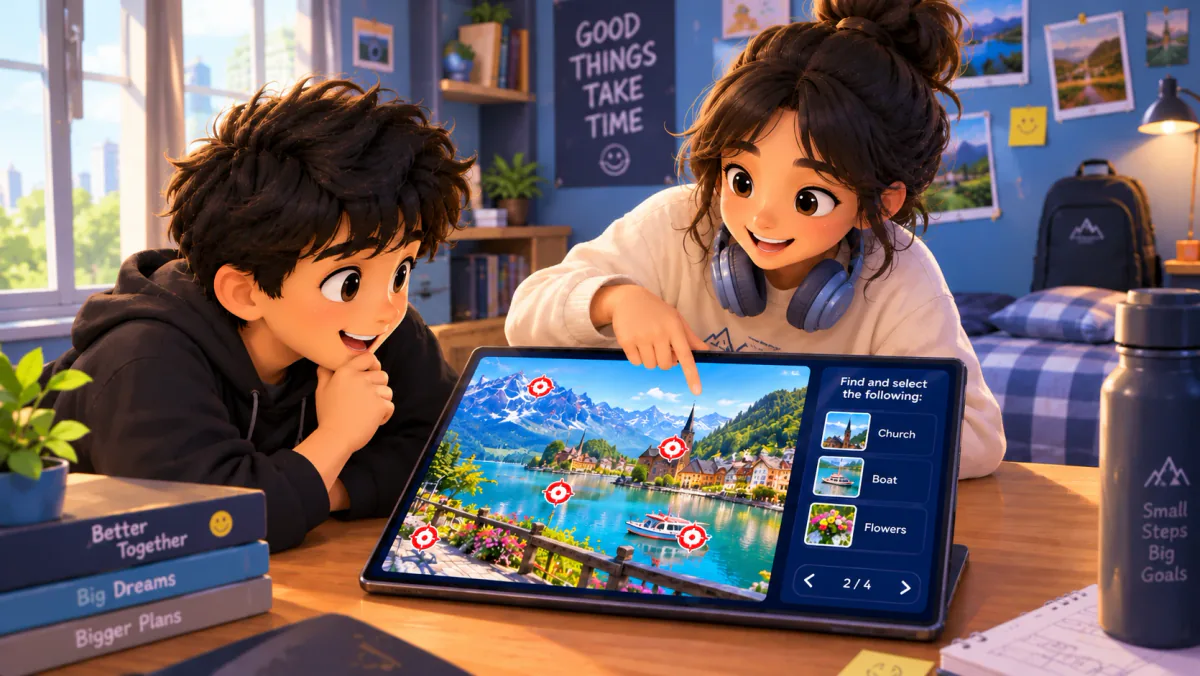
Target Hunt
Target Hunt is GamifyTL's image-based identification game. A host prepares an image with target locations, and participants answer prompts by selecting the correct target on that image.