
GamifyTL / Visual & logic
Flow Connect
Flow Connect is GamifyTL's sequence-ordering game. Participants reconstruct a process or timeline by arranging shuffled steps into a fixed vertical flow. It is designed for questions where order matters.
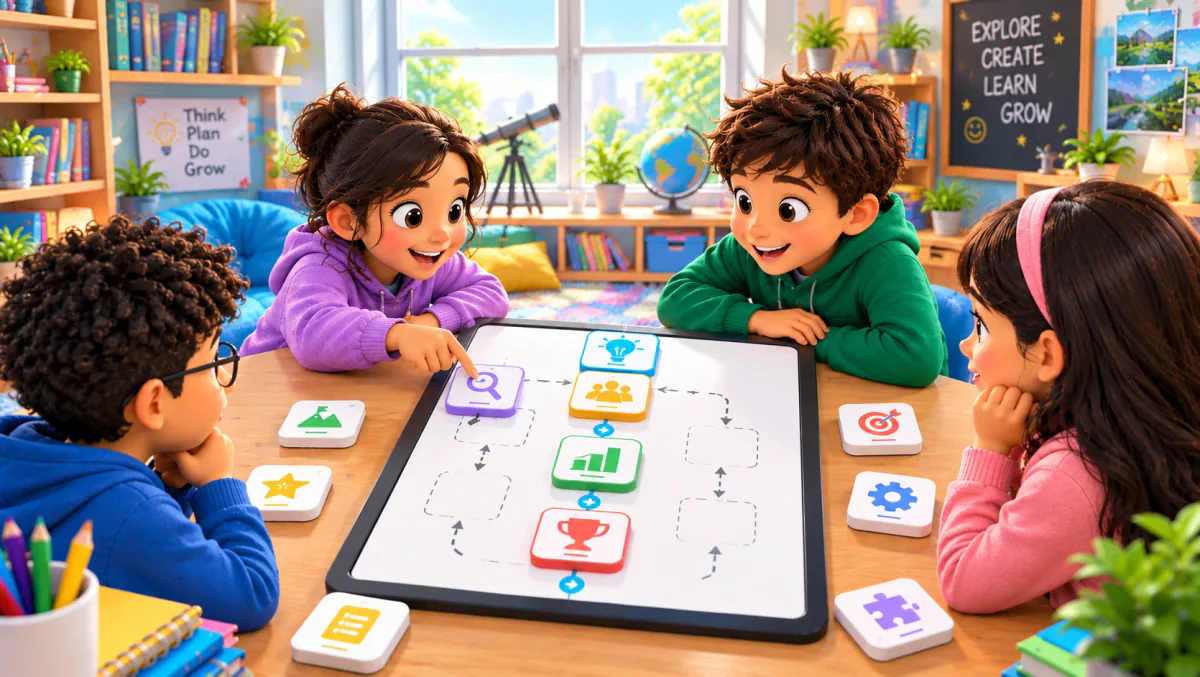
When to use Flow Connect
Use Flow Connect for historical events, scientific processes or workplace procedures. A good sequence has a clear ordering rule and enough context to avoid ambiguous answers. For a cycle, name the starting point. If two steps can happen in parallel, revise the task or discuss that limitation rather than implying there is only one valid real-world process.
How Flow Connect works
- Create a Flow Connect session and prepare the steps in their correct order.
- Review the wording and starting point, then share the room code or QR with participants.
- Start the activity and let participants reconstruct the sequence. Discuss why each step belongs in its position.
Classroom example
Planning a laboratory procedure
Arrange the stages of a classroom experiment from preparation to observation and recording. Ask students to explain which steps depend on earlier steps. Keep any safety instructions available outside the game as well.
Questions about Flow Connect
- What can I teach with Flow Connect?
- It suits timelines, procedures and ordered explanations: for example, historical events, a scientific process or a training workflow. The task should have a clear correct sequence.
- Is Flow Connect the same as Connect Dots?
- No. Flow Connect orders a sequence of steps. Connect Dots matches question dots to answer dots by drawing connections on a board.
- Can I create my own sequence?
- Yes. Prepare a sequence relevant to your lesson and check the order before starting the session. Clearly identify the start when teaching a repeating cycle.
Hosting limits and available allowances depend on your plan. View pricing. For session planning, see the gamified classroom guide.
Related tools
Assessment
Polls & Surveys
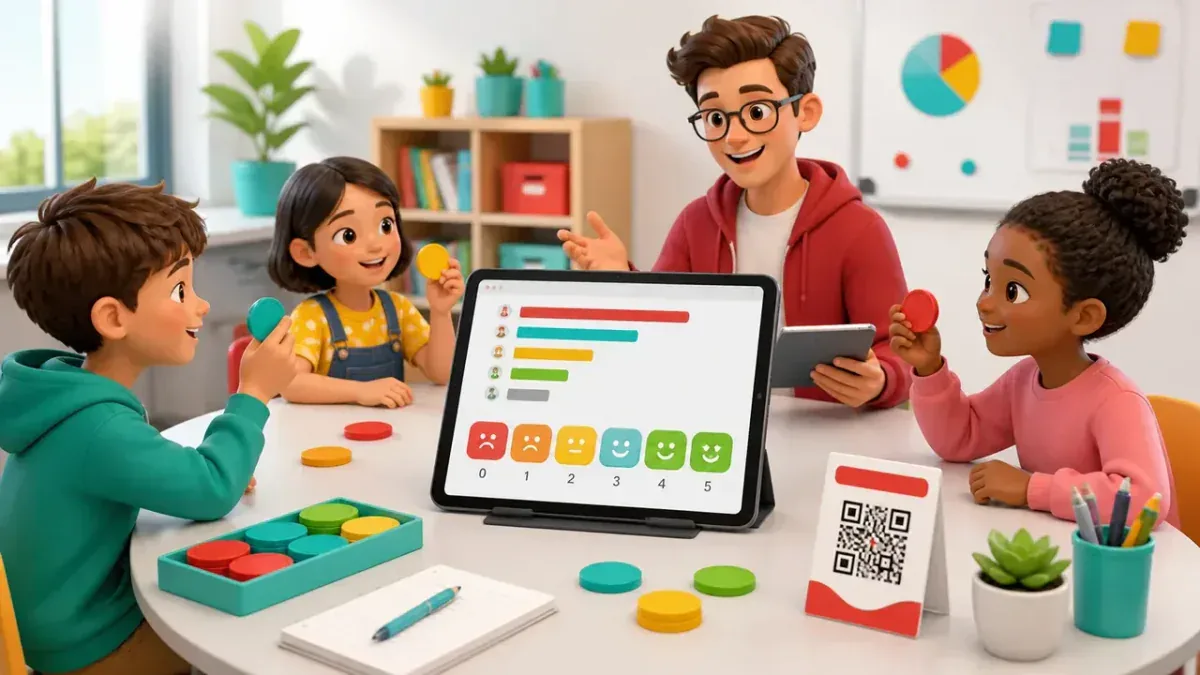
GamifyTL Polls & Surveys collects live responses from a class, workshop or audience. Hosts ask for opinions and feedback, and participants respond in their browser so the room can discuss the results together.
Word games
Jumble Jam
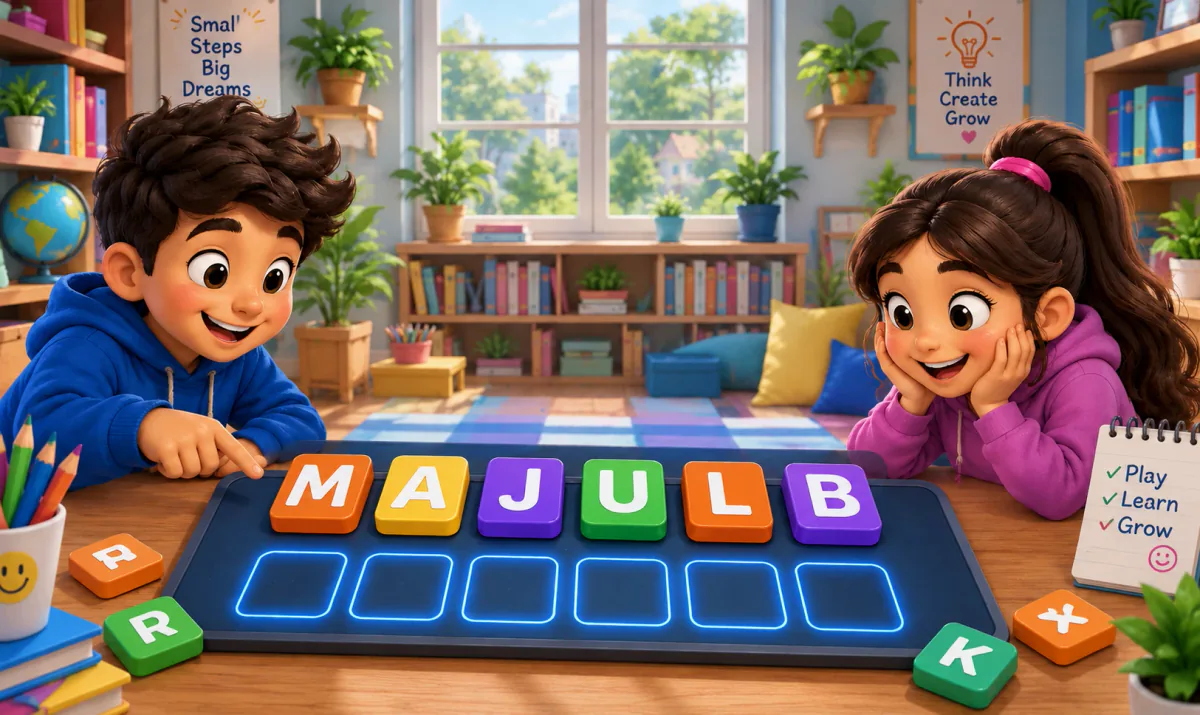
Jumble Jam is GamifyTL's live word-construction game. Students read a clue and rearrange scrambled letter tiles to build the correct answer. A host runs the session while participants play in their browsers.

Visual & logic
Connect Dots
GamifyTL Connect Dots turns question-and-answer matching into a path-drawing game. Participants connect question dots to matching answer dots on a board, combining concept recognition with a visual puzzle.