
GamifyTL / Visual & logic
Jigsaw Mission
Jigsaw Mission combines quiz questions with an image puzzle in GamifyTL. Participants answer questions to unlock pieces and reconstruct the picture, connecting recall with a visual challenge.
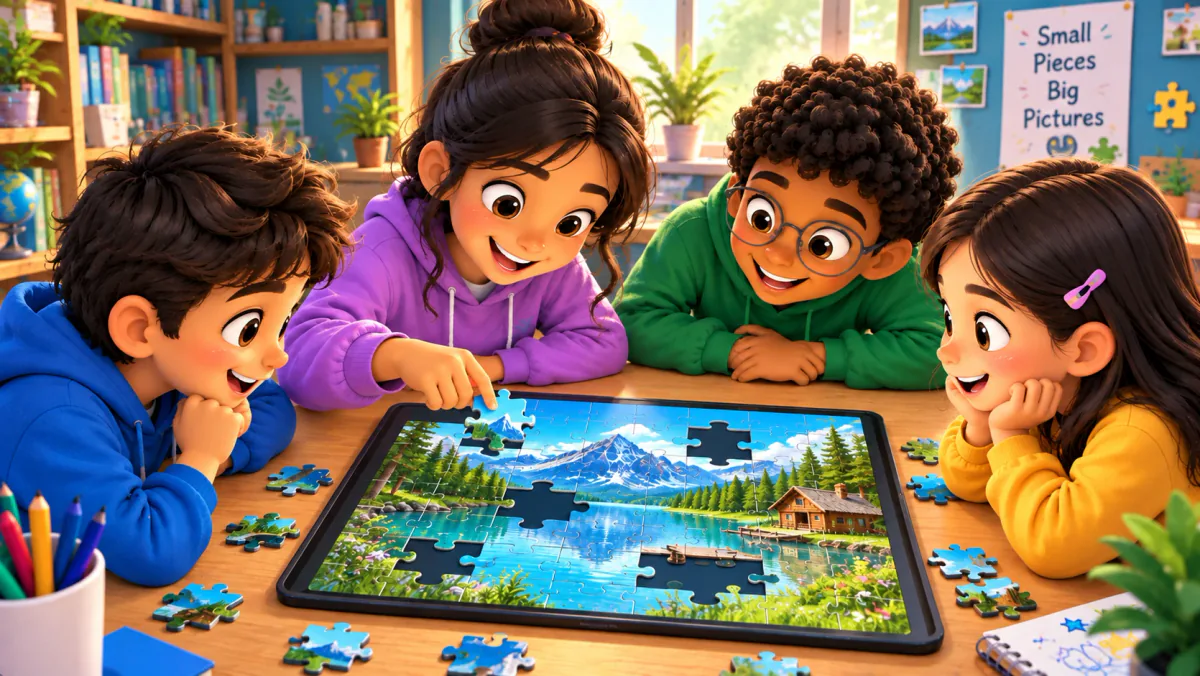
When to use Jigsaw Mission
Use Jigsaw Mission when a picture is part of your lesson: a landmark, an educational photograph or an illustration you have permission to use. Choose an image with distinguishable features so the puzzle is readable on smaller screens. Pair it with questions that reinforce the same topic, and discuss the completed image after the challenge.
How Jigsaw Mission works
- Create a Jigsaw Mission and prepare its image and question content.
- Check the puzzle and timer, then invite participants through the session code or QR.
- Run the challenge as participants answer, unlock pieces and reconstruct the picture. Review the completed image and questions together.
Classroom example
Recognizing a landmark
Use a photograph of a landmark alongside questions about its location and historical context. After rebuilding the image, invite students to identify the visual details that helped them recognize it. Use your own photograph or a properly licensed image.
Questions about Jigsaw Mission
- Is Jigsaw Mission only an image puzzle?
- No. The live activity connects question answering with unlocking puzzle pieces and reconstructing an image. It adds a visual task to the quiz experience.
- Can I try a jigsaw before hosting?
- Yes. Create a Jigsaw Mission from the author tools, attach your image and questions, then review the session before you invite participants.
- Which images work well?
- Choose clear images with distinct shapes and details that remain readable on phones. Avoid tiny labels and make sure you have permission to use the image.
Hosting limits and available allowances depend on your plan. View pricing. For session planning, see the gamified classroom guide.
Related tools
Assessment
Quiz Battle
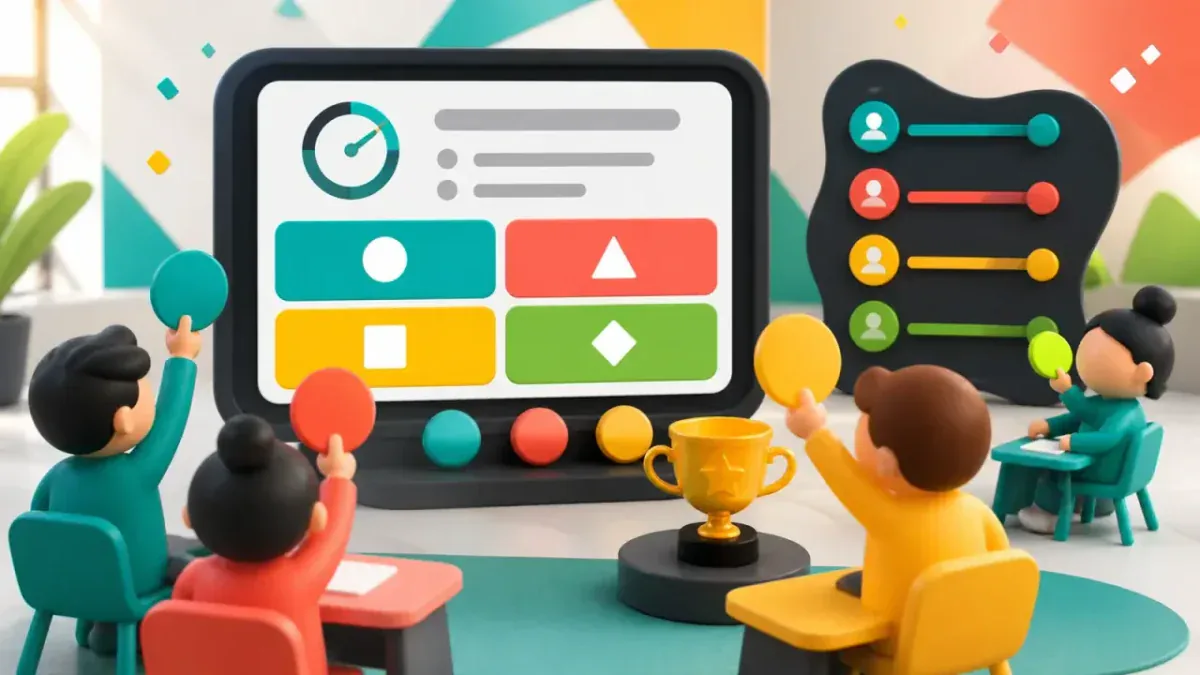
Quiz Battle is GamifyTL's live multiple-choice quiz tool. A host prepares questions and runs a shared session while participants answer from their own devices, with timed rounds, results and rankings.
Visual & logic
Connect Dots
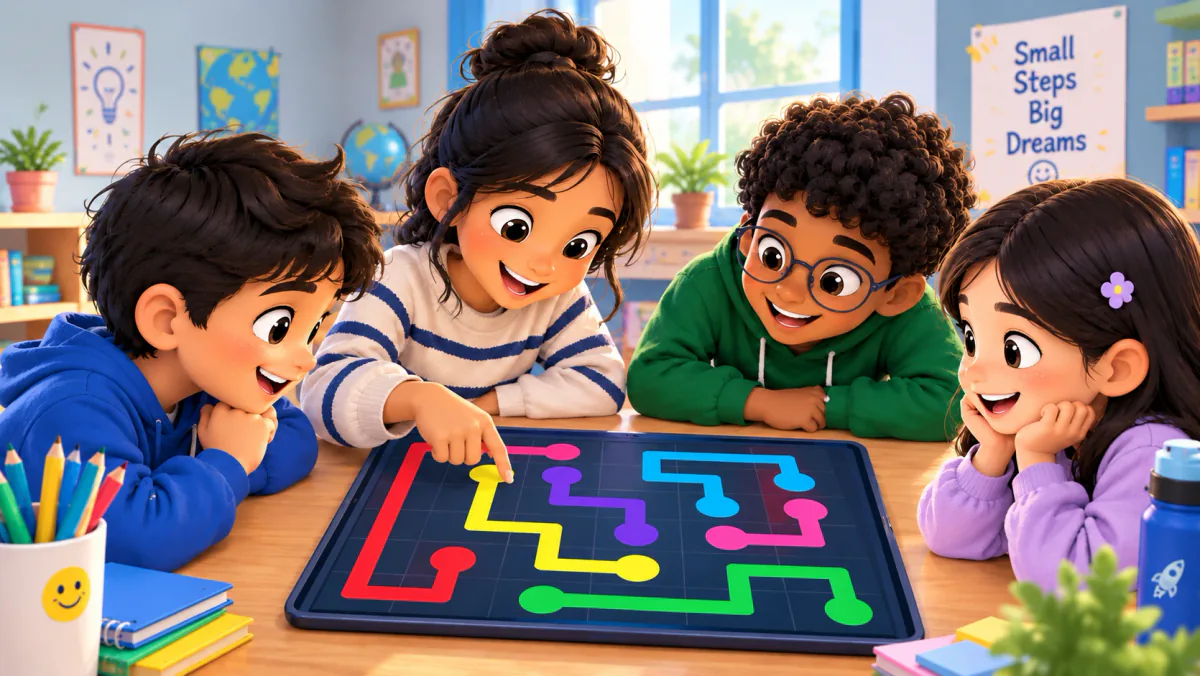
GamifyTL Connect Dots turns question-and-answer matching into a path-drawing game. Participants connect question dots to matching answer dots on a board, combining concept recognition with a visual puzzle.
Visual & logic
Target Hunt
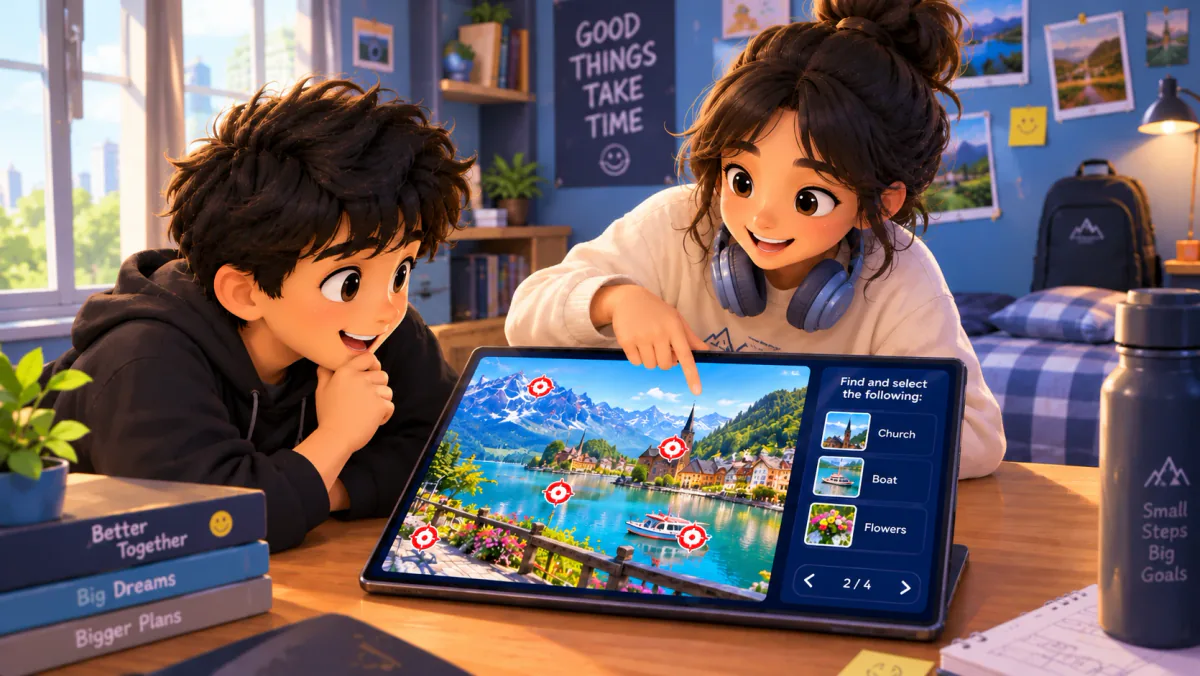
Target Hunt is GamifyTL's image-based identification game. A host prepares an image with target locations, and participants answer prompts by selecting the correct target on that image.