
GamifyTL / Word games
LinkSprint
LinkSprint is GamifyTL's encyclopedia navigation race. Players begin at a starting article and try to reach a target article by following internal article links. The challenge turns browsing into a game of reading, connection-making and route selection.

When to use LinkSprint
Use LinkSprint to encourage students to explore how subjects connect. Unlike a recall quiz, it rewards finding a route through related ideas. After the race, ask players to explain why they chose a link and compare the different paths. Reaching a target is a useful prompt for discussion, not proof that a source has been critically evaluated.
How LinkSprint works
- Choose LinkSprint and configure the starting and target articles for the session.
- Invite participants with the room code or QR and start the shared race.
- Players follow internal links toward the target. Review their routes and discuss the connections they discovered.
Classroom example
Connecting science and history
Choose a science starting topic and a related historical target. Ask students to record the idea behind each hop as they play. In the discussion, compare a route through a person with a route through a place or invention.
Questions about LinkSprint
- Is LinkSprint a wiki race?
- Yes. LinkSprint is GamifyTL's article-link racing activity, also called a wiki race. Players navigate from a start article toward a target through internal links.
- Can I try LinkSprint before hosting?
- Yes. Create a LinkSprint session from the author tools, set the start and target articles, then start the room when you are ready for participants.
- What should students discuss after a LinkSprint race?
- Ask why each link seemed useful, which route was unexpected and what facts need checking. The path provides a starting point for reasoning about relationships between topics.
Hosting limits and available allowances depend on your plan. View pricing. For session planning, see the gamified classroom guide.
Related tools
Assessment
Quiz Battle
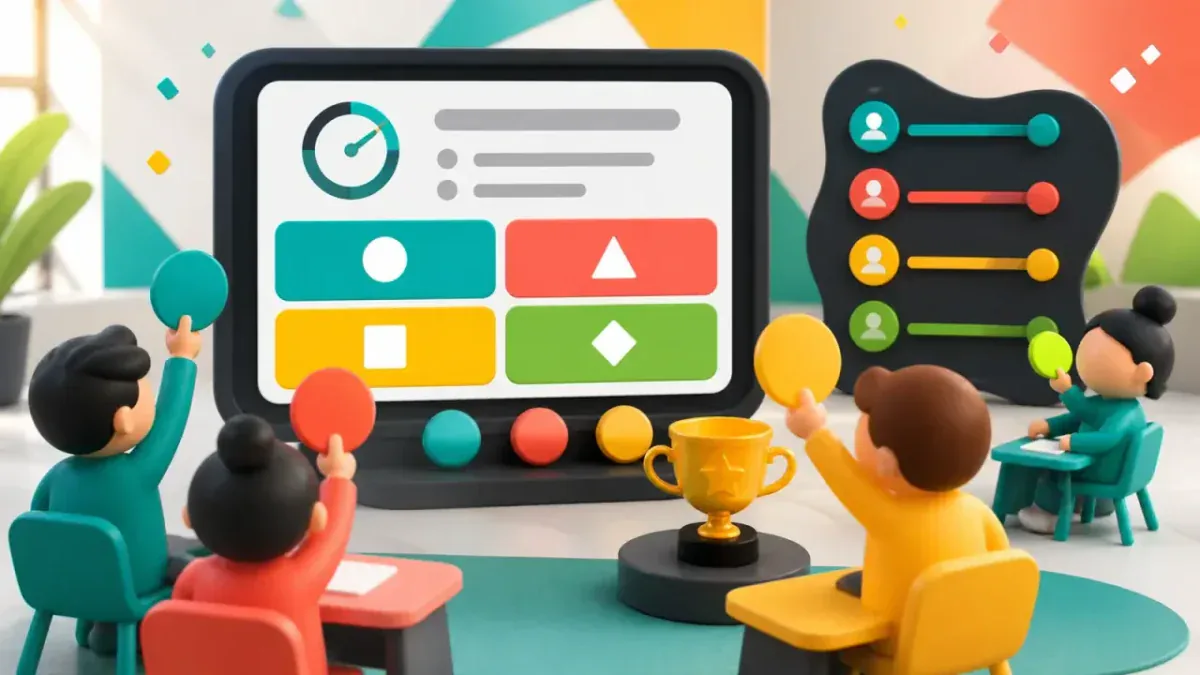
Quiz Battle is GamifyTL's live multiple-choice quiz tool. A host prepares questions and runs a shared session while participants answer from their own devices, with timed rounds, results and rankings.
Word games
Word Search
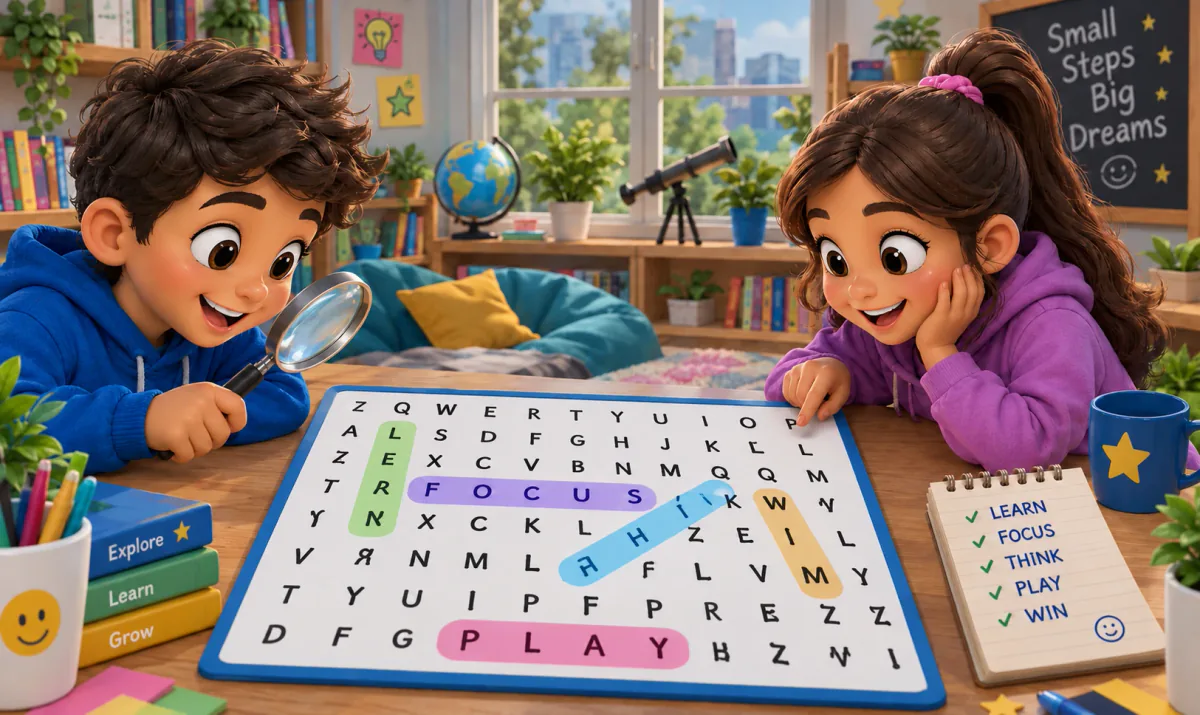
GamifyTL Word Search is a clue-based classroom word game. Participants read a question or clue, identify the answer and find that word in a fixed letter grid by selecting a line of letters.
Visual & logic
Flow Connect
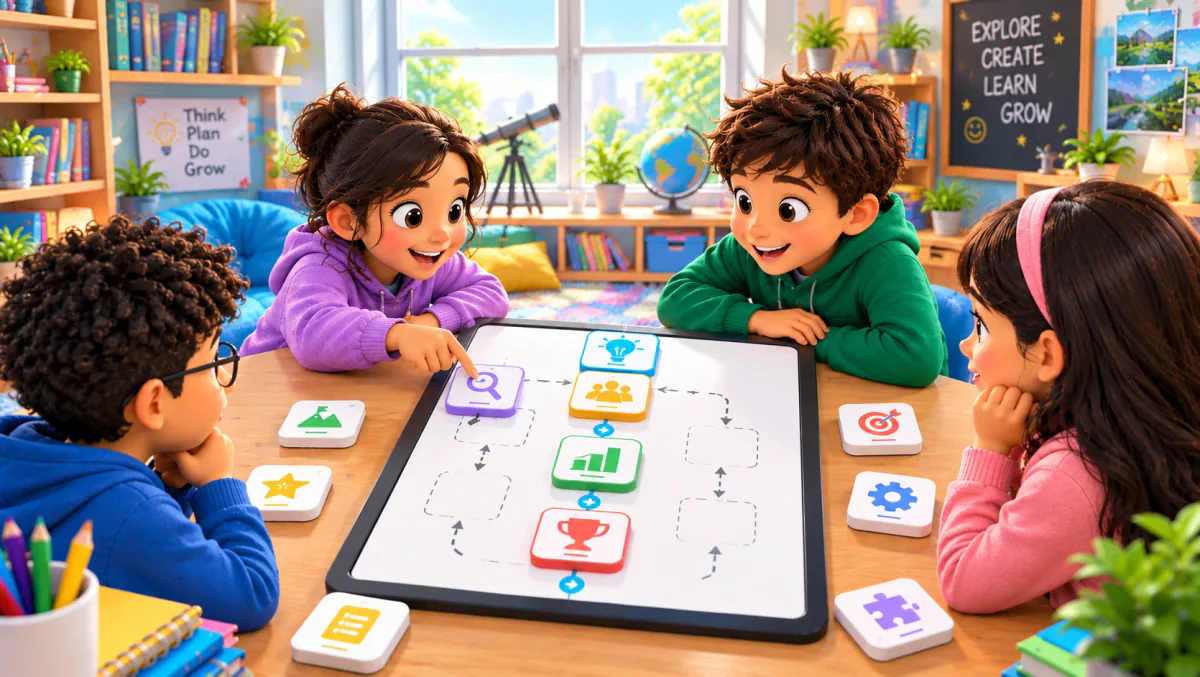
Flow Connect is GamifyTL's sequence-ordering game. Participants reconstruct a process or timeline by arranging shuffled steps into a fixed vertical flow. It is designed for questions where order matters.