
GamifyTL / Assessment
Polls & Surveys
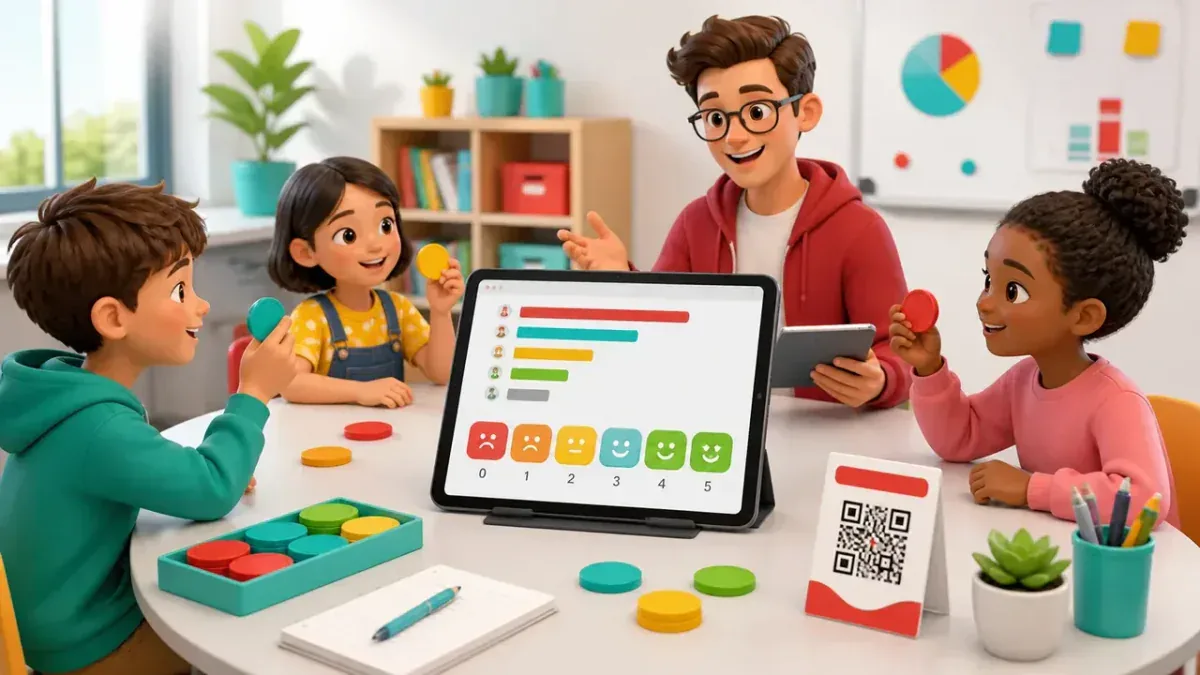
GamifyTL Polls & Surveys collects live responses from a class, workshop or audience. Hosts ask for opinions and feedback, and participants respond in their browser so the room can discuss the results together.
When to use Polls & Surveys
Choose a poll when you want to understand what people think, rather than test a single correct answer. A confidence check can help you adjust the pace of a lesson. A workshop rating can reveal which topic deserves more time. Explain how responses will be used, and do not collect sensitive personal information in a classroom poll.
How Polls & Surveys works
- Create a Polls session and add the prompts and response options or rating questions you need.
- Share the session code or QR so participants can join from their devices.
- Collect responses, review the results and use them to guide the next discussion or activity.
Classroom example
A confidence check
Before a programming exercise, ask students to rate their confidence with loops. Repeat the prompt after the exercise and discuss what still feels difficult. Treat the responses as a conversation starter, not a grade.
Questions about Polls & Surveys
- Are polls the same as quizzes?
- No. Polls collect feedback and opinions, while Quiz Battle evaluates multiple-choice answers against a correct answer. Choose the format that matches your teaching goal.
- Can I use polls in a training workshop?
- Yes. A host can use a live poll for a workshop pulse check, session feedback or a group decision. Participants join through a browser using the session code or QR.
- Can I review poll results?
- Yes. The host can review collected responses and results in the session. Avoid describing a poll as anonymous unless its actual settings and your handling of participant information support that promise.
Hosting limits and available allowances depend on your plan. View pricing. For session planning, see the gamified classroom guide.
Related tools
Assessment
Quiz Battle
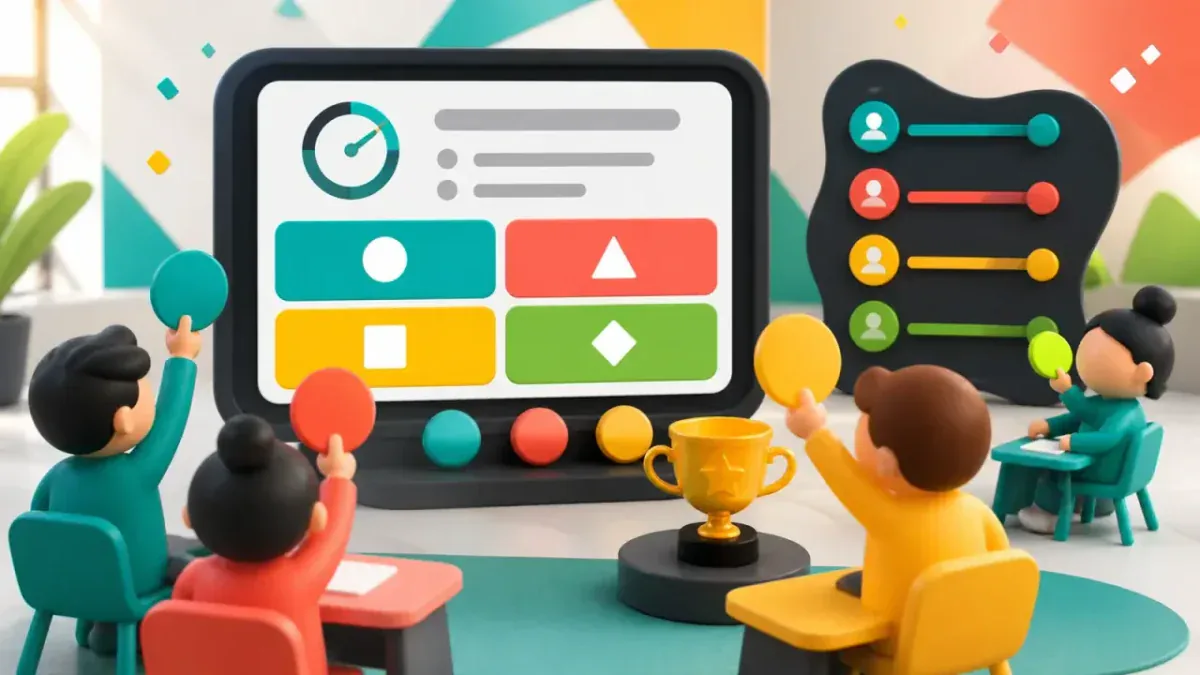
Quiz Battle is GamifyTL's live multiple-choice quiz tool. A host prepares questions and runs a shared session while participants answer from their own devices, with timed rounds, results and rankings.
Visual & logic
Flow Connect
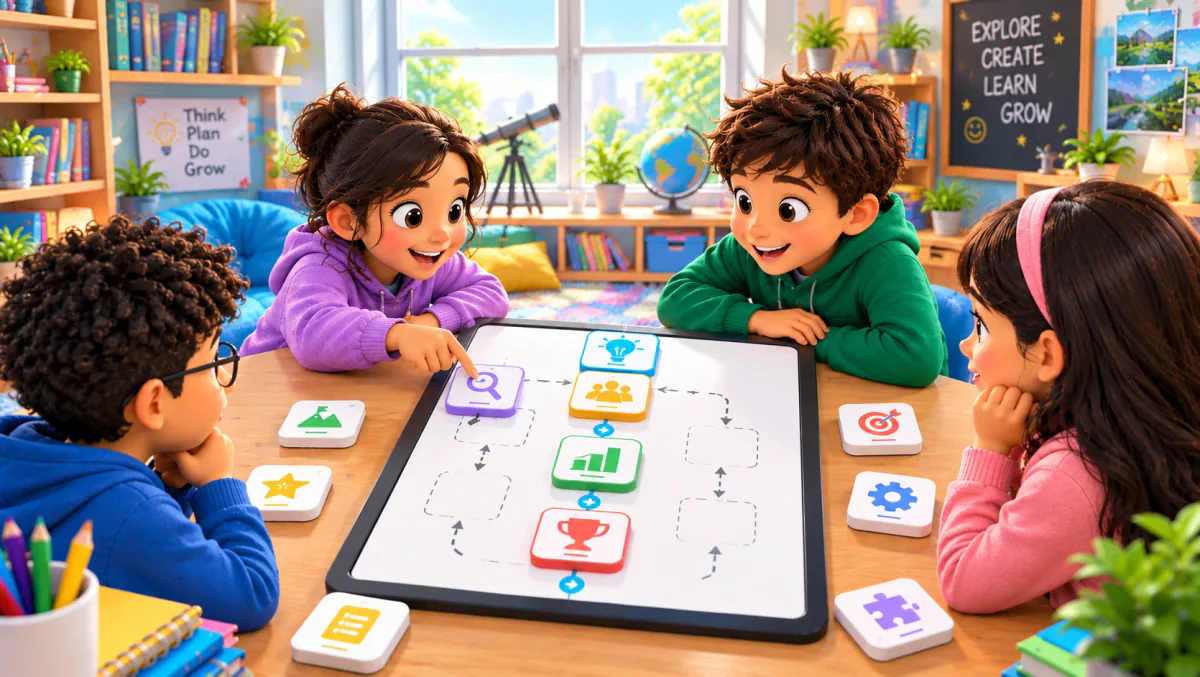
Flow Connect is GamifyTL's sequence-ordering game. Participants reconstruct a process or timeline by arranging shuffled steps into a fixed vertical flow. It is designed for questions where order matters.
Resources
Resource Drop
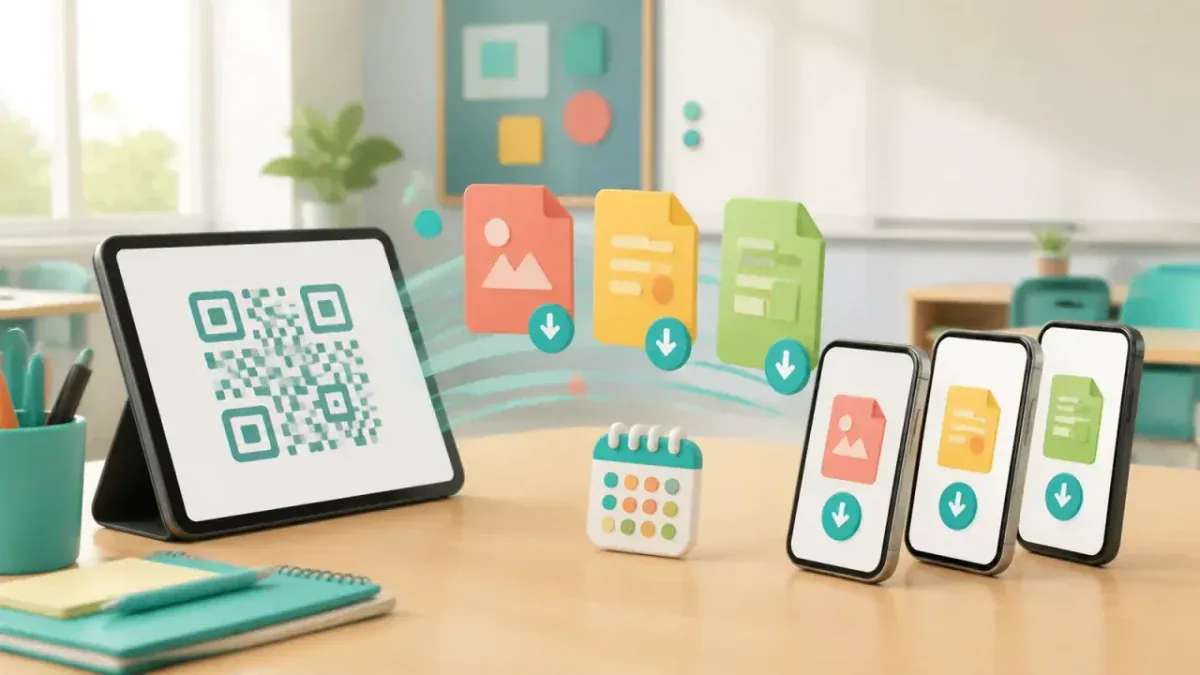
Resource Drop is GamifyTL's QR-based file-sharing tool for classrooms and workshops. A host uploads learning materials and shares a QR code or link so participants can download the files in their browsers without a student account.