
GamifyTL / Assessment
Quiz Battle
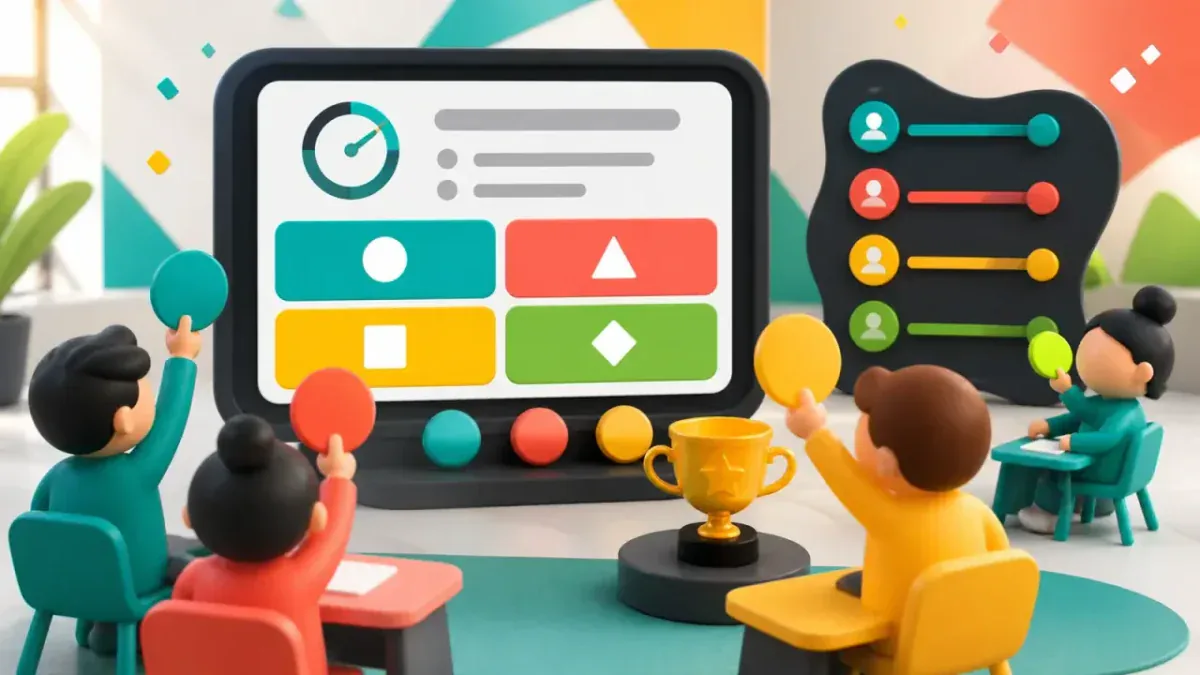
Quiz Battle is GamifyTL's live multiple-choice quiz tool. A host prepares questions and runs a shared session while participants answer from their own devices, with timed rounds, results and rankings.
When to use Quiz Battle
Use Quiz Battle when you need to check understanding across a whole class, recap a workshop or start a discussion about a common misconception. Multiple-choice answers make it possible to compare responses to the same question. The game supplies a reason to participate; the explanation after the question is where the learning happens.
How Quiz Battle works
- Create a Quiz Battle session and prepare a question set with correct answers and suitable timers.
- Share the room code or QR code. Participants enter a nickname in their browser and wait for the host.
- Start the session, follow responses and use the results to decide which concepts need another explanation.
Classroom example
A lesson recap
After teaching electrical circuits, ask five questions about current, voltage and resistance. Include plausible incorrect answers based on mistakes you have seen in class. Discuss the reasoning behind the answer before moving to a new topic.
Questions about Quiz Battle
- Do students need a Quiz Battle account?
- Participants join a hosted session with a room code or QR code and a nickname. They do not need a student account or an app installation. The host signs in to create and manage the session.
- Can I write my own quiz questions?
- Yes. Hosts can prepare their own multiple-choice questions and correct answers. Review question wording, answers and timing before starting a live class.
- How is Quiz Battle different from Jumble Jam?
- Quiz Battle asks participants to choose an answer. Jumble Jam asks them to construct a word from scrambled letters, which suits spelling and terminology practice.
Hosting limits and available allowances depend on your plan. View pricing. For session planning, see the gamified classroom guide.
Related tools
Assessment
Polls & Surveys
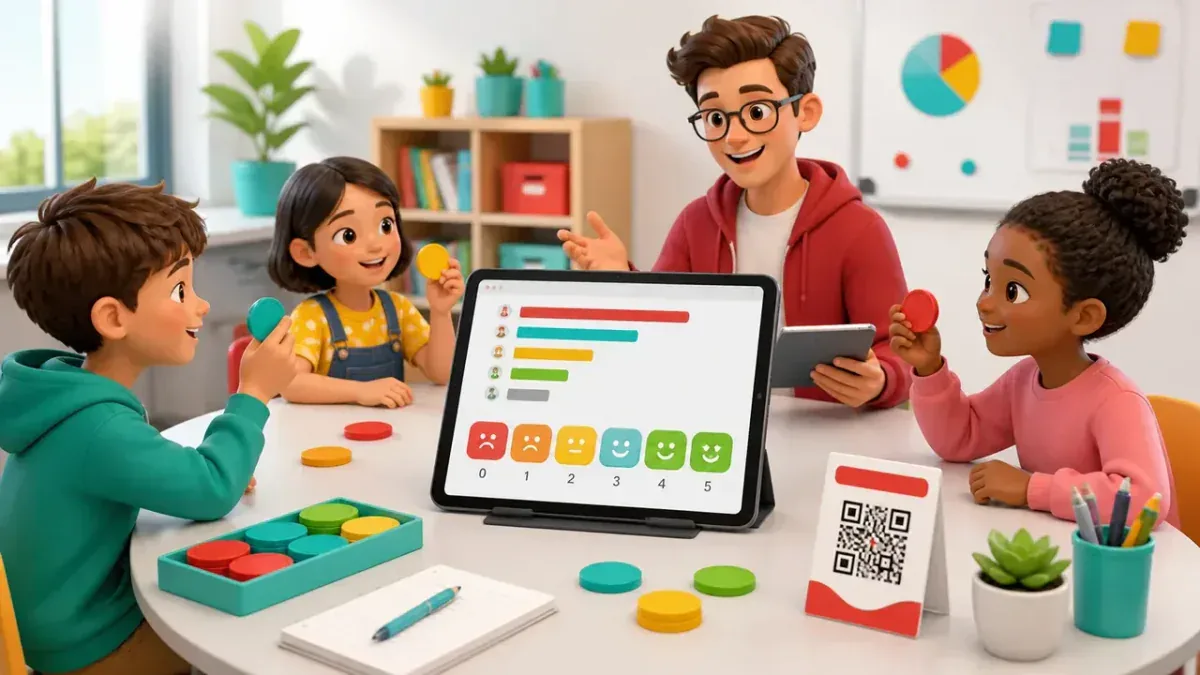
GamifyTL Polls & Surveys collects live responses from a class, workshop or audience. Hosts ask for opinions and feedback, and participants respond in their browser so the room can discuss the results together.
Word games
Jumble Jam
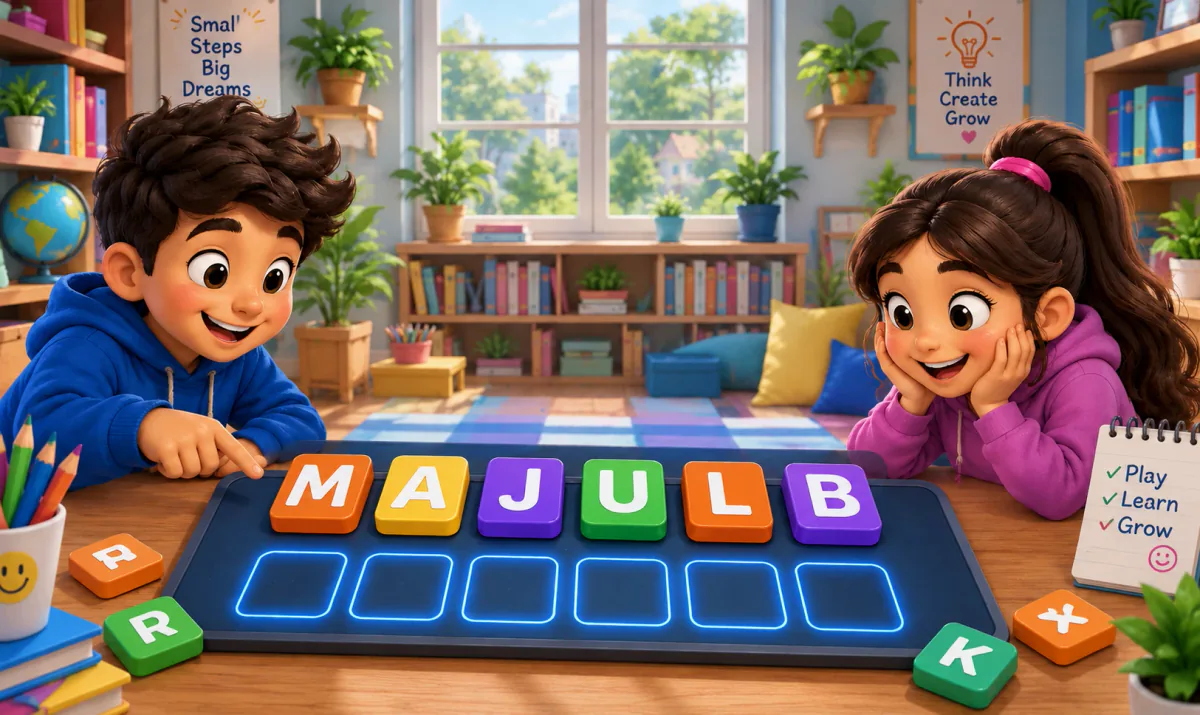
Jumble Jam is GamifyTL's live word-construction game. Students read a clue and rearrange scrambled letter tiles to build the correct answer. A host runs the session while participants play in their browsers.

Visual & logic
Jigsaw Mission
Jigsaw Mission combines quiz questions with an image puzzle in GamifyTL. Participants answer questions to unlock pieces and reconstruct the picture, connecting recall with a visual challenge.