
GamifyTL / Resources
Resource Drop
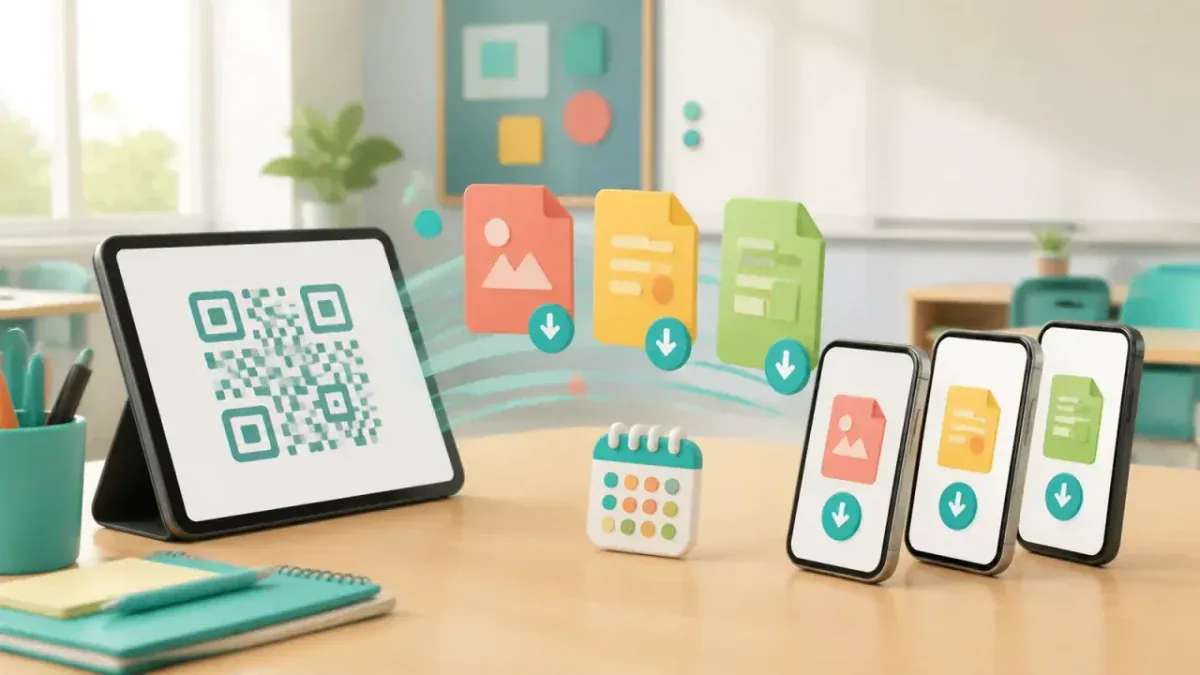
Resource Drop is GamifyTL's QR-based file-sharing tool for classrooms and workshops. A host uploads learning materials and shares a QR code or link so participants can download the files in their browsers without a student account.
When to use Resource Drop
Choose Resource Drop when your audience needs the actual slides, worksheet or handout, not another game. Display the QR during a lecture or workshop and keep the link available to participants who cannot scan it. Shared links can be forwarded, so only upload materials intended for that audience. Do not use a classroom download link for confidential records or student grades.
How Resource Drop works
- Sign in and open Resource Drop. Upload supported documents and select the available retention period.
- Share the generated QR code or download link with the intended audience.
- Participants open the link and download the materials. Manage the share from your account and keep your own copy of the originals.
Classroom example
Ending a workshop with the materials
Upload the workshop presentation as a PDF. Display the Resource Drop QR during the final discussion and provide the link for people joining remotely. Tell participants when the share expires so they can download the document in time.
Questions about Resource Drop
- What is GamifyTL Resource Drop?
- Resource Drop is the file-sharing tool in GamifyTL. Hosts upload learning materials and distribute a QR code or link that participants can use to download the documents without a student account.
- Which files does Resource Drop support?
- Resource Drop supports PDF, PPT, PPTX, DOC and DOCX documents. Upload and storage limits depend on the host's current plan; check pricing and the upload screen before sharing.
- How long are Resource Drop files available?
- The sharing workflow offers 7, 14 or 28-day retention choices. Check the selected expiry in your account and keep an original copy; a Resource Drop is not permanent archival storage.
- Is Resource Drop the same as QRFile?
- Yes. Resource Drop is the public tool name for the QR file-sharing workflow, which still uses the QRFile name in some account screens and the /author/qr-file address.
Hosting limits and available allowances depend on your plan. View pricing. For session planning, see the gamified classroom guide.
Related tools
Assessment
Quiz Battle
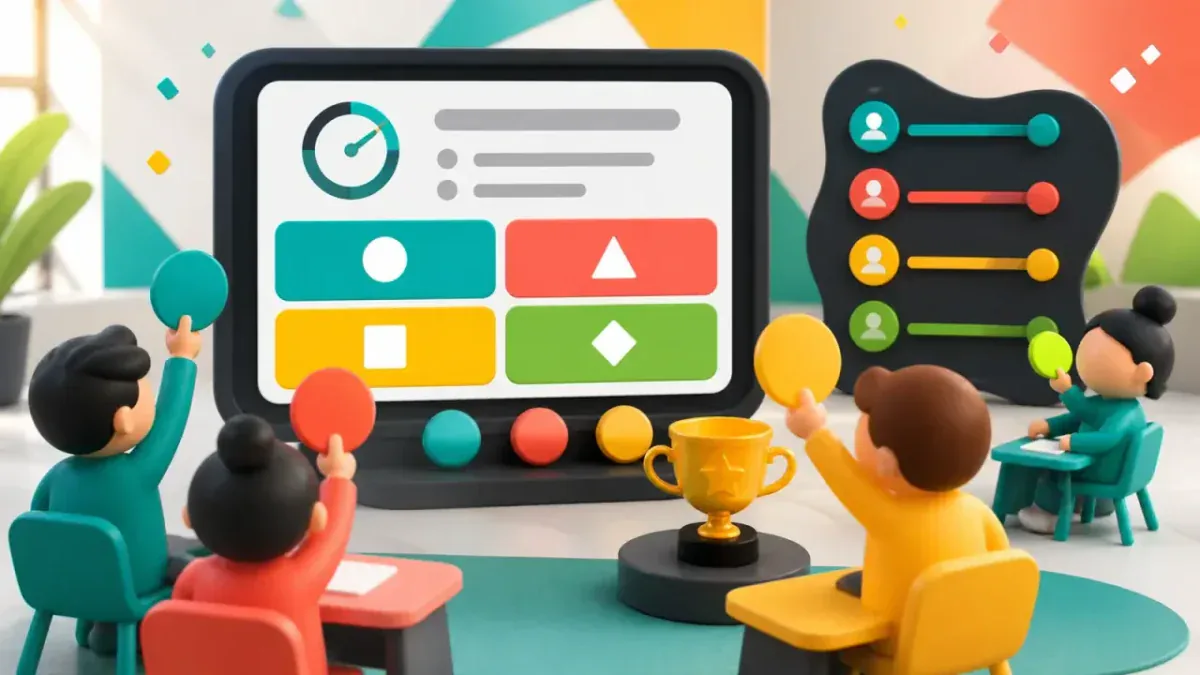
Quiz Battle is GamifyTL's live multiple-choice quiz tool. A host prepares questions and runs a shared session while participants answer from their own devices, with timed rounds, results and rankings.
Assessment
Polls & Surveys
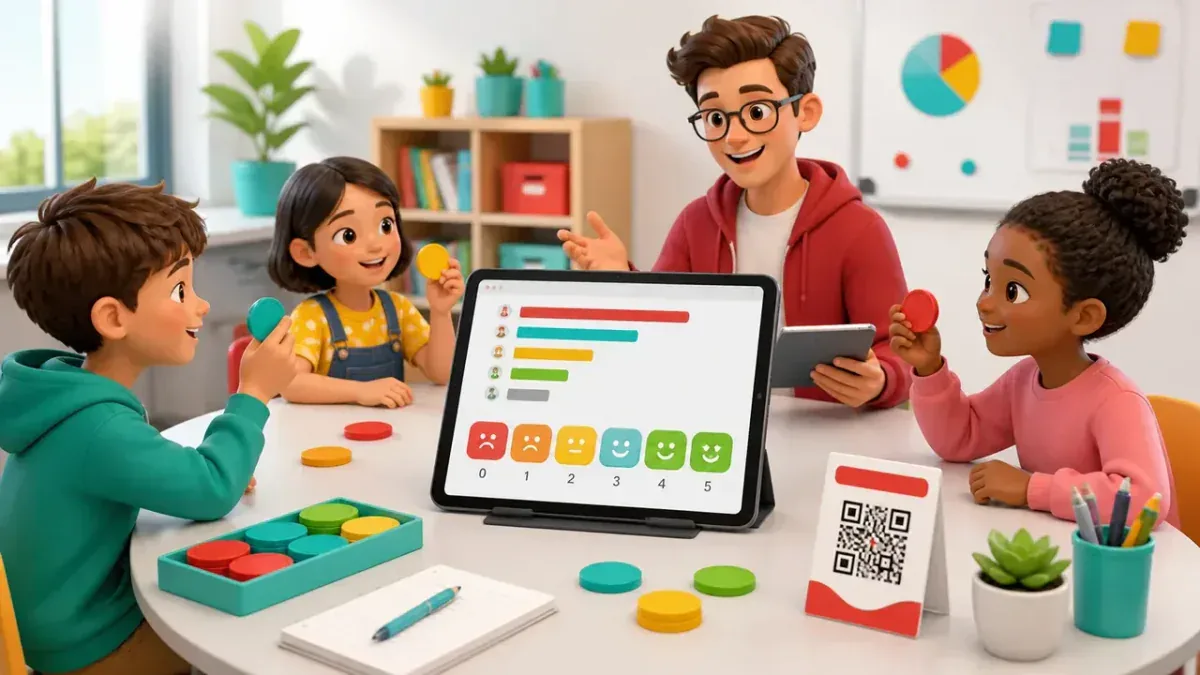
GamifyTL Polls & Surveys collects live responses from a class, workshop or audience. Hosts ask for opinions and feedback, and participants respond in their browser so the room can discuss the results together.
Word games
Jumble Jam
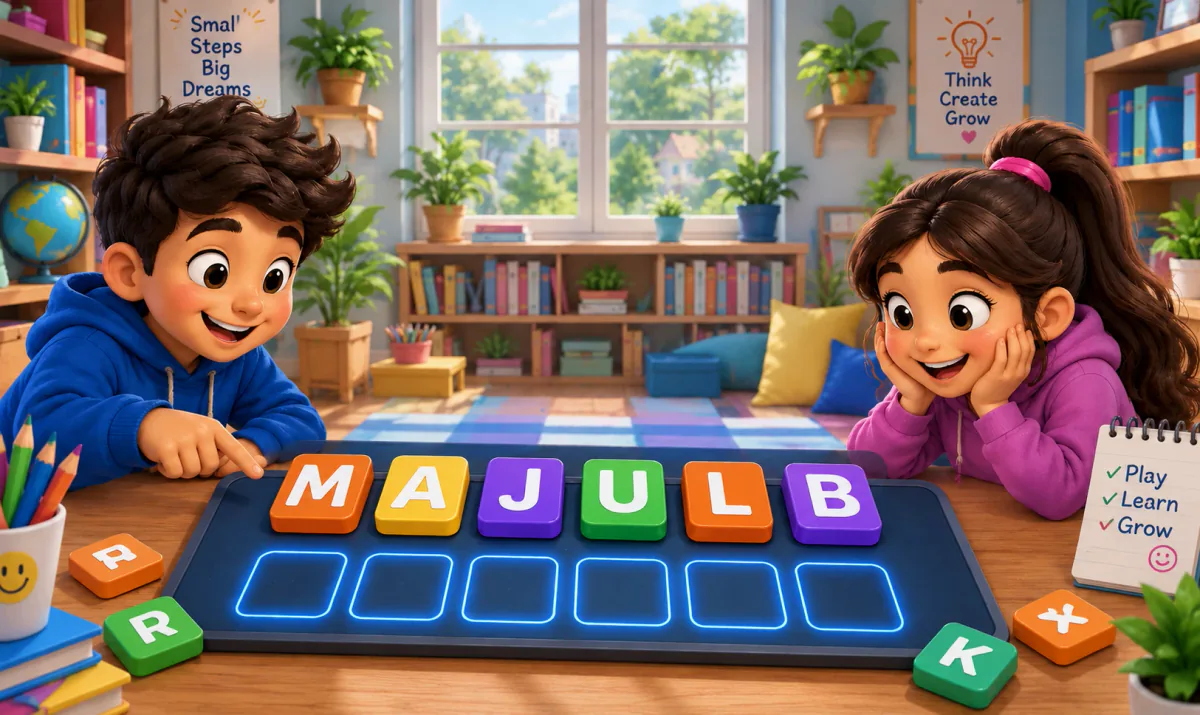
Jumble Jam is GamifyTL's live word-construction game. Students read a clue and rearrange scrambled letter tiles to build the correct answer. A host runs the session while participants play in their browsers.