
GamifyTL / Visual & logic
Target Hunt
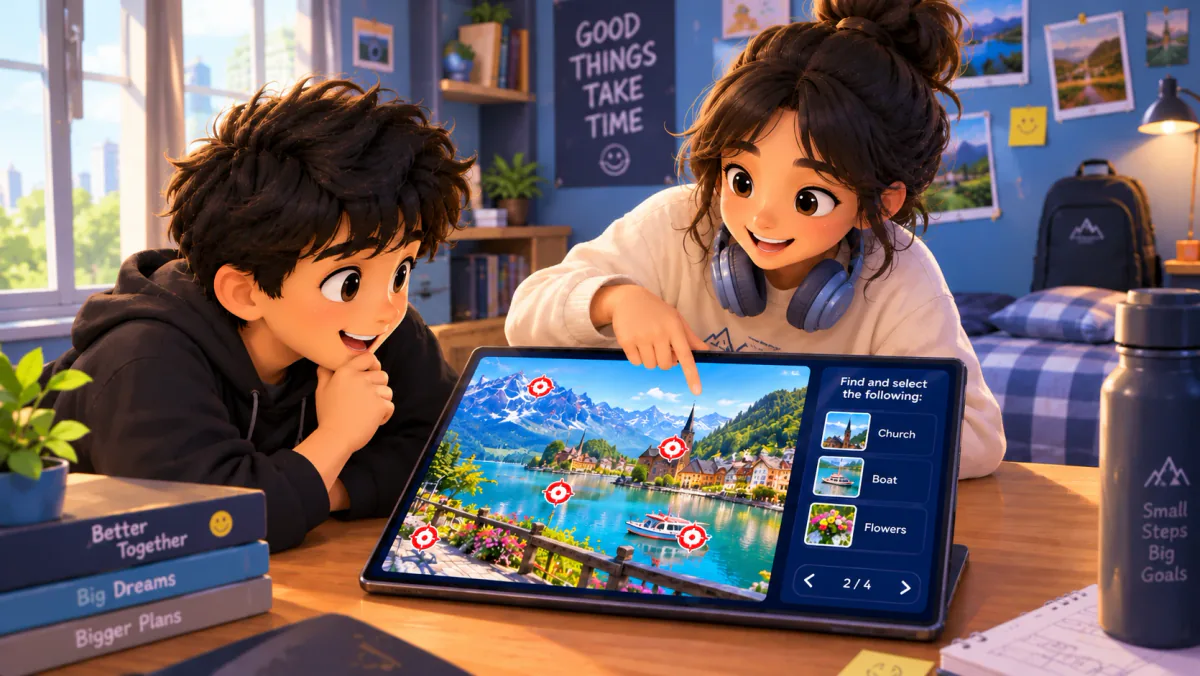
Target Hunt is GamifyTL's image-based identification game. A host prepares an image with target locations, and participants answer prompts by selecting the correct target on that image.
When to use Target Hunt
Use Target Hunt when learners need to identify something visually, such as a location on a map or a part of a diagram. Choose a clear image and space targets far enough apart to select on a phone. A successful selection can start a deeper question: what does the identified part do, and how does it relate to its surroundings?
How Target Hunt works
- Create a Target Hunt session, upload a suitable image and prepare its target prompts.
- Check target placement and readability on a small screen, then invite the class with the room code or QR.
- Run the activity as students select targets. Review the results and explain any commonly confused locations.
Classroom example
Reading a map
Use a map you are licensed to share and place targets on locations covered in the lesson. Ask students to locate a feature, then explain its significance. Ensure that labels or nearby targets do not make the selection ambiguous.
Questions about Target Hunt
- What images can I use for Target Hunt?
- Use clear diagrams, maps or other images relevant to your lesson, provided you have permission to share them. Avoid personal information and make the targets readable on participant devices.
- How is Target Hunt different from Jigsaw Mission?
- Target Hunt asks players to identify locations on an image. Jigsaw Mission asks them to answer questions, unlock pieces and reconstruct an image.
- Does Target Hunt need a special student app?
- No. Participants join the GamifyTL session in their browser using the host's room code or QR and respond from their own devices.
Hosting limits and available allowances depend on your plan. View pricing. For session planning, see the gamified classroom guide.
Related tools
Word games
Word Search
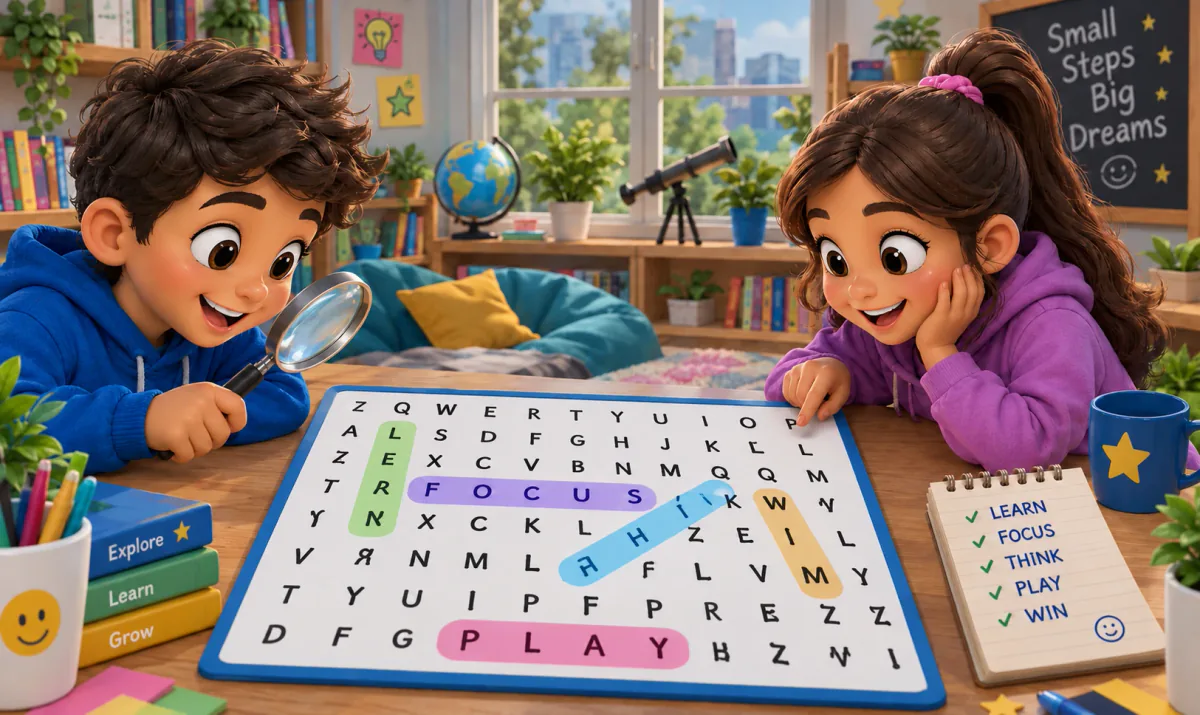
GamifyTL Word Search is a clue-based classroom word game. Participants read a question or clue, identify the answer and find that word in a fixed letter grid by selecting a line of letters.
Visual & logic
Jigsaw Mission
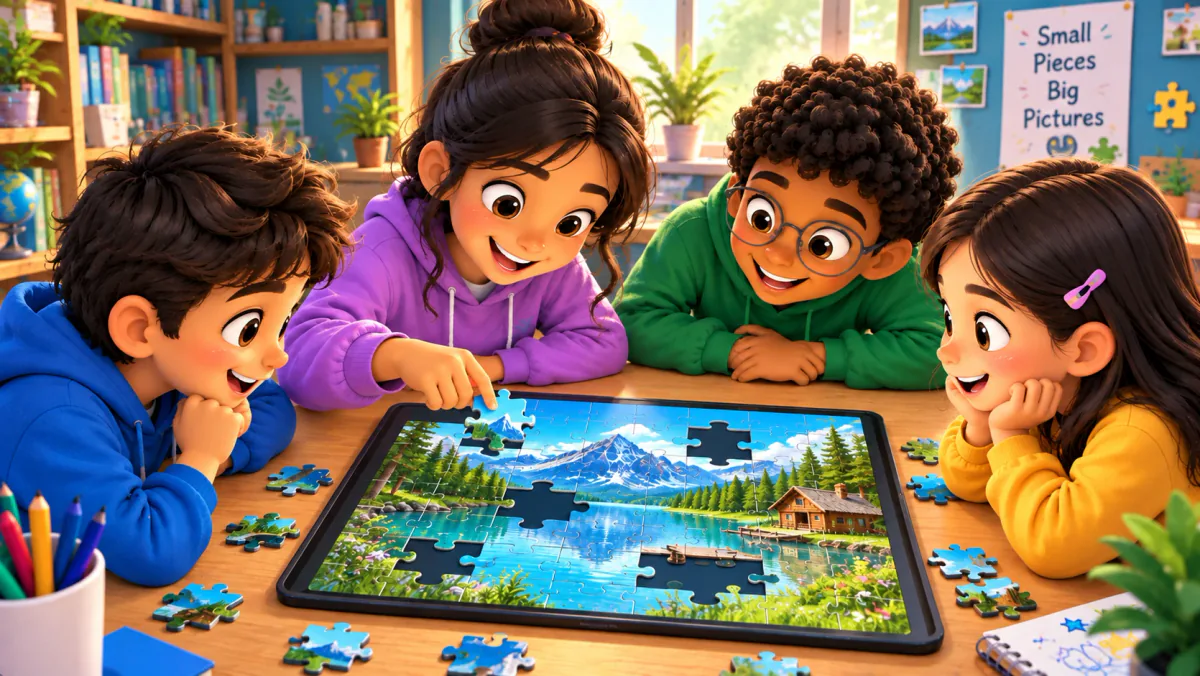
Jigsaw Mission combines quiz questions with an image puzzle in GamifyTL. Participants answer questions to unlock pieces and reconstruct the picture, connecting recall with a visual challenge.
Visual & logic
Connect Dots
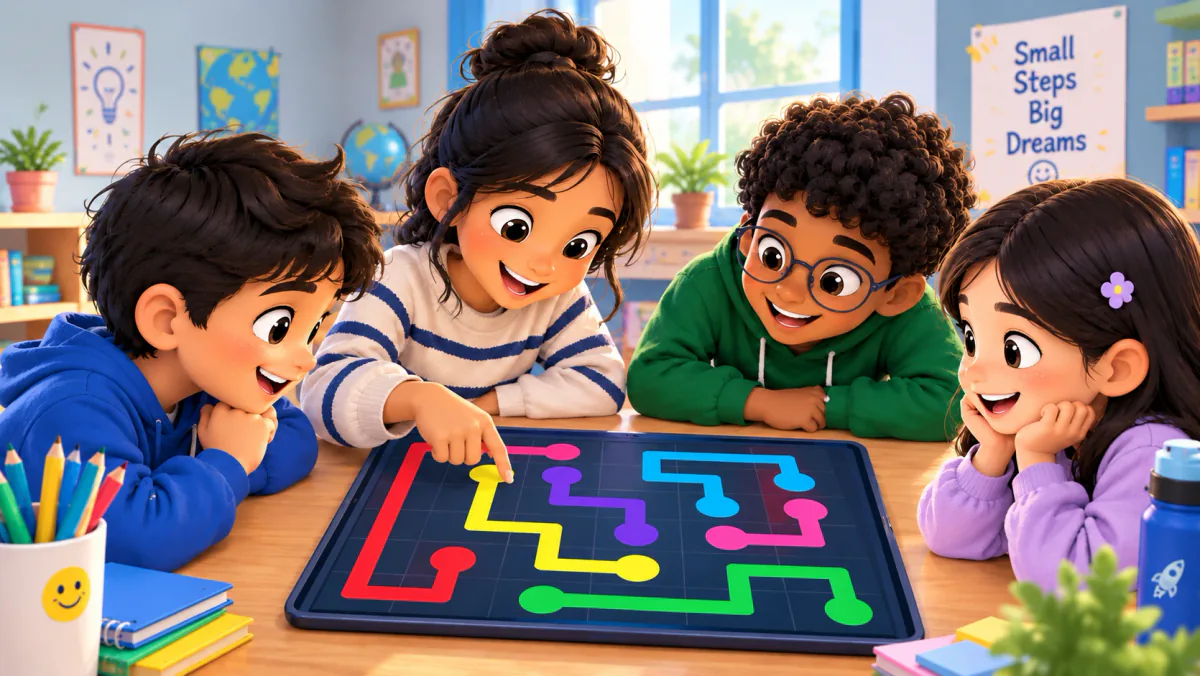
GamifyTL Connect Dots turns question-and-answer matching into a path-drawing game. Participants connect question dots to matching answer dots on a board, combining concept recognition with a visual puzzle.