
GamifyTL / Word games
Word Search
GamifyTL Word Search is a clue-based classroom word game. Participants read a question or clue, identify the answer and find that word in a fixed letter grid by selecting a line of letters.
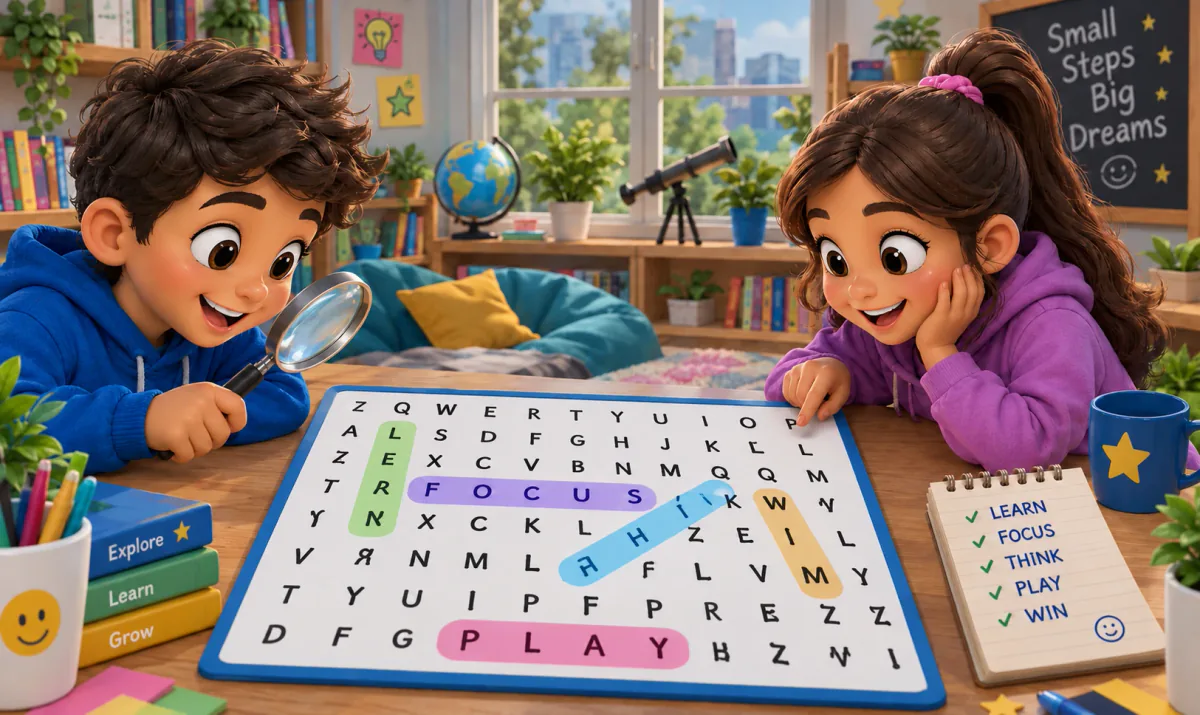
When to use Word Search
Choose Word Search for subject vocabulary, revision terms or language practice. Writing useful clues matters more than simply hiding a list of words: a definition requires recall before visual searching begins. Keep the word list appropriate for your learners and check spelling before hosting. Give participants time to read each clue instead of treating every task as a speed test.
How Word Search works
- Create a Word Search session with topic-specific clues and answer words.
- Check the generated grid and content, then invite the class using the session code or QR.
- Start the challenge. Participants read clues and select the matching words in the grid; discuss the terms afterward.
Classroom example
Biology terminology
Use clues such as 'the basic unit of life' with the answer CELL. After students locate the words, ask them to explain how two of the terms connect. This separates remembering a word from understanding its meaning.
Questions about Word Search
- How is Word Search different from Jumble Jam?
- In Word Search, an answer is already hidden in a letter grid. In Jumble Jam, participants build the answer by rearranging scrambled letters. Both can use subject-specific clues.
- Can I use my lesson vocabulary?
- Yes. Build the activity around the words and clues relevant to your lesson, then review the puzzle before sharing the room with students.
- Is GamifyTL Word Search a printable worksheet?
- It is a browser-based activity for live participation on individual devices. The host runs a shared session rather than handing out a printed worksheet.
Hosting limits and available allowances depend on your plan. View pricing. For session planning, see the gamified classroom guide.
Related tools
Assessment
Quiz Battle
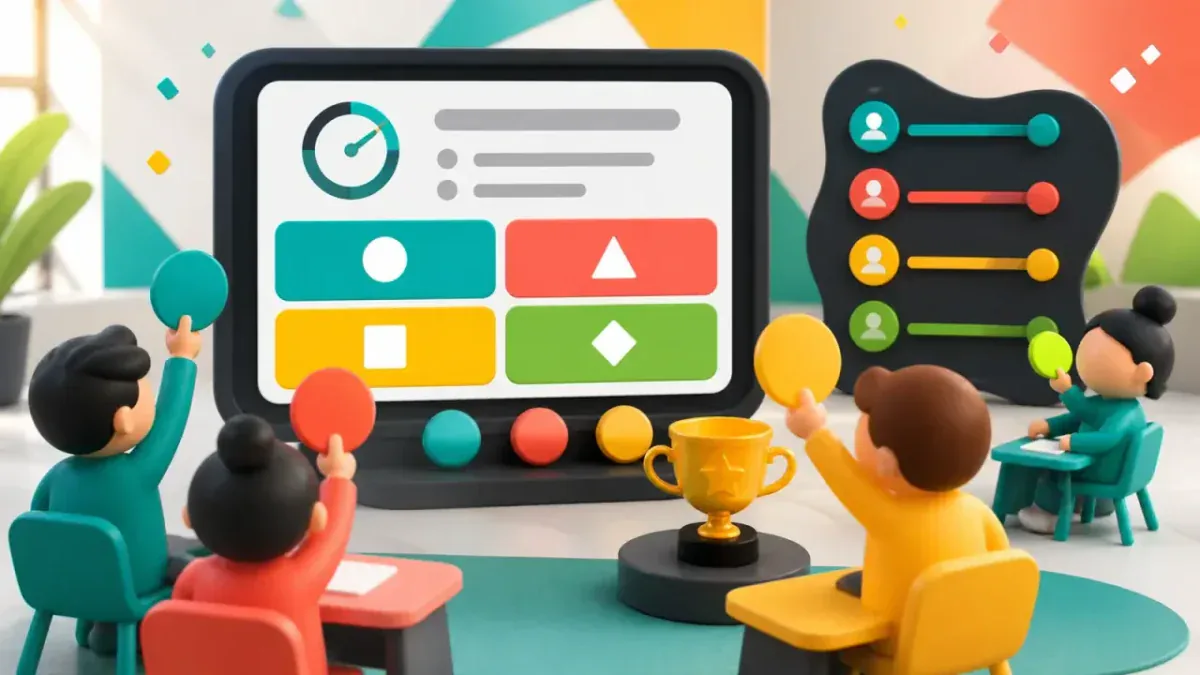
Quiz Battle is GamifyTL's live multiple-choice quiz tool. A host prepares questions and runs a shared session while participants answer from their own devices, with timed rounds, results and rankings.

Word games
LinkSprint
LinkSprint is GamifyTL's encyclopedia navigation race. Players begin at a starting article and try to reach a target article by following internal article links. The challenge turns browsing into a game of reading, connection-making and route selection.
Word games
Jumble Jam
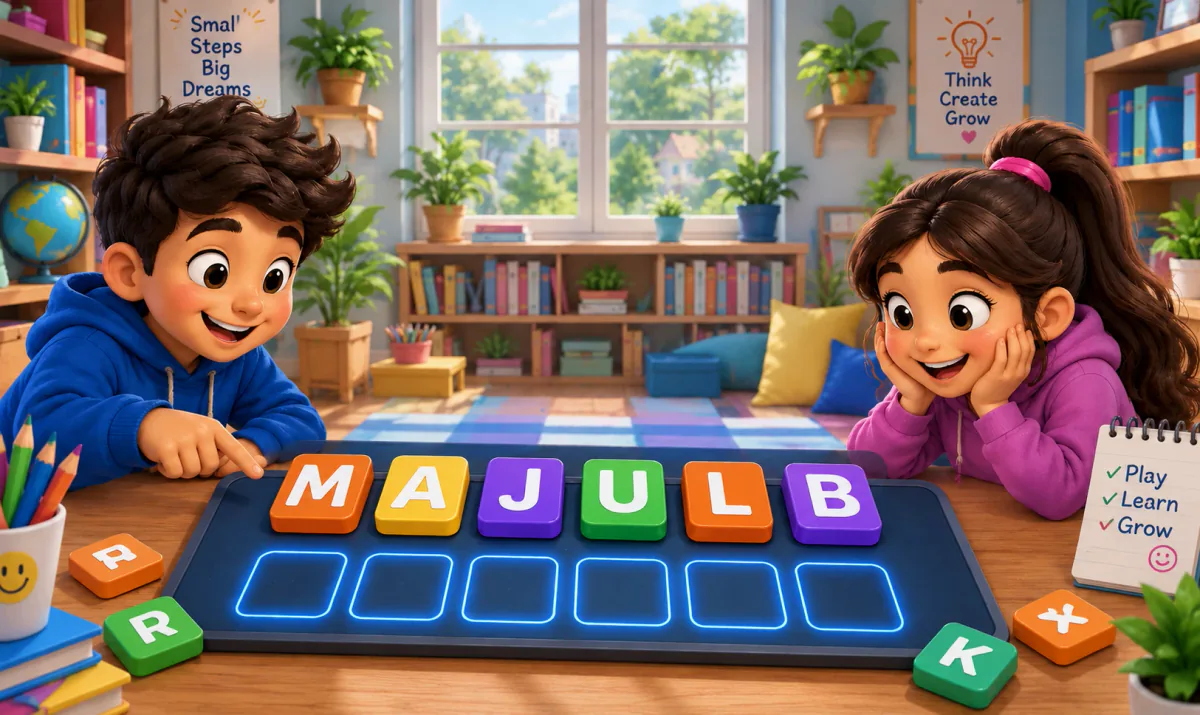
Jumble Jam is GamifyTL's live word-construction game. Students read a clue and rearrange scrambled letter tiles to build the correct answer. A host runs the session while participants play in their browsers.